eSIM for Portugal: plans, coverage, setup
Portugal eSIM guide with 6 fixed-data plans, daily options, Lisbon and Porto 5G notes, Madeira/Azores coverage, setup and fixes.
Updated Oct 30, 20269 min read1 views
In this guide
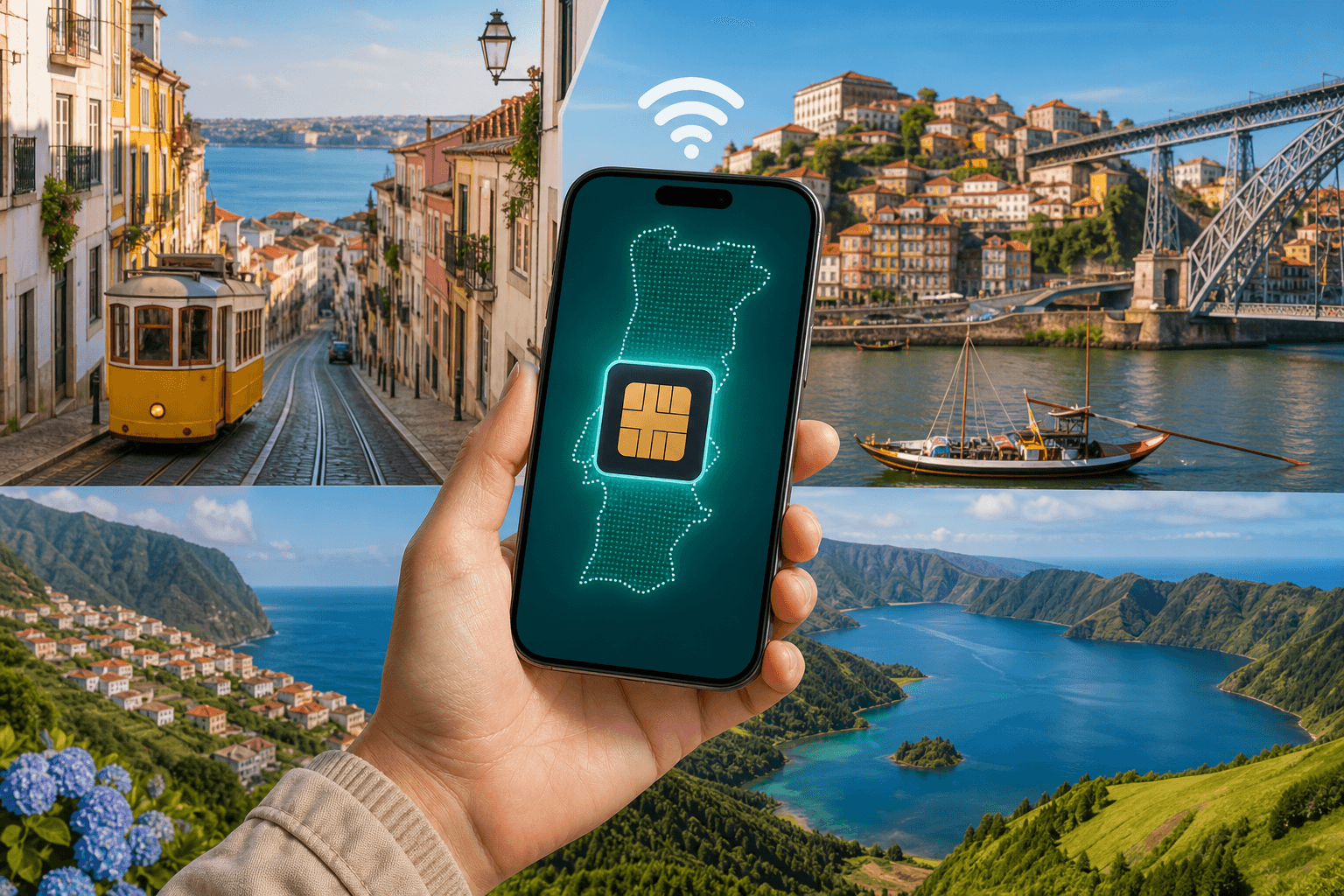
Portugal has 4G across the country, 5G in Lisbon and Porto, and Madeira/Azores are covered like the mainland. If your trip stays in Portugal, use a Portugal plan; if you also go to Spain, a Europe regional plan covers Portugal together with Spain.
What coverage to expect in Lisbon, Porto, Madeira/Azores
Portugal’s named mobile networks are MEO, NOS, plus Vodafone. The BeeSim Portugal plans connect to NOS (5G), Vodafone (5G), and MEO (5G).
For travel use, the coverage notes are straightforward:
- Lisbon and Porto: 4G is widely available, with 5G in both cities.
- Madeira/Azores: coverage is handled like mainland Portugal, so you do not need a separate island plan.
- Outside major cities: 4G is available across the country, which is the key requirement for maps, messaging apps, bookings, and transport apps.
The plan type does not change the basic Portugal coverage note. A regional Europe plan is useful because of the countries it includes, not because it gives a different Portugal coverage category. After you land, the important phone settings are still the same: make the eSIM your mobile data line and turn on data roaming for that eSIM line.
Portugal eSIM plan sizes and where to check live prices
The BeeSim catalog has fixed-data Portugal plans and daily Portugal plans. Live prices stay on the destination page, so this article does not name them. Check the current plan list on Portugal eSIM before buying.
Fixed-data Portugal plans are simple: you get a set data amount for the stated validity period.
| Fixed-data Portugal plan | Validity |
|---|---|
| 1 GB | 7 days |
| 3 GB | 30 days |
| 5 GB | 30 days |
| 10 GB | 30 days |
| 20 GB | 30 days |
| 50 GB | 30 days |
Portugal also has 17 daily plans. Daily options include 500 MB, 1 GB, 2 GB, 3 GB, 5 GB, or 10 GB of full-speed data per day, with durations from 1 to 30 days. After the daily allowance, speed drops.
| Daily plan type | What to check before buying |
|---|---|
| 500 MB to 10 GB per day | Pick the daily allowance you need for maps, messaging, uploads, and hotspot use if the plan page allows hotspot |
| 1 to 30 days | Match the duration to your actual travel dates, not just the number of hotel nights |
| Speed drops after the daily allowance | If you need steady full-speed data all day, choose a larger daily allowance |
Pick a smaller fixed-data plan if you mainly need maps, messages, and light browsing. Choose a larger fixed-data plan if you expect frequent video uploads, navigation all day, or heavy app use away from Wi-Fi. Daily plans make sense when you want a predictable allowance each day rather than managing one shared pool for the whole trip.
Plans cannot be topped up. If you run out of data, buy another plan and install it as a new eSIM. Check live pricing and the latest availability on the destination page, not from a saved screenshot or an old article.
Portugal-only vs Europe regional eSIM (and when Europe makes more sense)
Portugal is in the EU, and a Europe regional plan covers it together with Spain. Choose a Portugal-only plan if your route stays inside Portugal, including Madeira/Azores. Choose a Europe regional plan if your trip continues into Spain or other included destinations.
BeeSim regional plans that include Portugal appear in the catalog as:
- Europe (31 areas)
- Europe (33 areas)
- Europe (30+ areas)
- Europe (35 areas)
Before buying a regional plan, open the plan page and check the included destinations. Europe bundles are not all identical. If Spain is the only extra country you need, confirm Spain is listed, then compare the regional option against a Portugal-only plan on the live storefront. Prices are not fixed in the article because they change on the site.
How to check if your phone supports eSIM before you buy
Confirm eSIM support before you pay. The fastest check is your exact phone model, not just the phone family. A phone can belong to a model line that supports eSIM in some markets and not in others.
Use the compatible devices page first. Then check that your phone is unlocked. If the phone is carrier-locked, an eSIM can install but fail to connect to mobile data.
If you keep your home SIM in the phone, use it for your usual number and set the Portugal eSIM as the mobile data line after landing. BeeSim plans are data-only, so they do not add a local Portuguese phone number or SMS inbox. Calls and messages through apps use mobile data.
How to buy and install an eSIM for Portugal (and why installing early helps)
Install the eSIM while you still have reliable Wi-Fi. Portugal plan validity starts when the eSIM first connects to a network in Portugal, and the eSIM must be installed within 180 days of purchase.
A clean install flow:
- Buy the plan from Portugal eSIM.
- Install it by QR code, or use manual SM-DP+ entry if you cannot scan the code.
- Label the line clearly, for example Portugal eSIM.
- Keep your home SIM as the mobile data line until you arrive.
- In Portugal, switch mobile data to the eSIM.
- Turn on data roaming for the eSIM line.
Do not delete the eSIM if it does not connect immediately after landing. First check the data line, roaming setting, and whether the phone has selected the eSIM for mobile data. Deleting an eSIM can make troubleshooting slower.
iPhone and Android settings that usually fix no internet on arrival
Most arrival problems come from settings. Work through these checks in order.
Set the eSIM as the mobile data line
- iPhone: Settings → Cellular → Cellular Data → select the Portugal eSIM.
- Samsung: Settings → Connections → SIM manager → Mobile data → select the eSIM.
- Pixel: Settings → Network & internet → SIMs → select the eSIM → Mobile data on.
- Xiaomi: Settings → SIM cards & mobile networks → Default for mobile data → select the eSIM.
Turn on data roaming for the eSIM line
- iPhone: Settings → Cellular → select the eSIM → Data Roaming → on.
- Samsung: Settings → Connections → Mobile networks → Data roaming → on, then confirm the eSIM is the data SIM.
- Pixel: Settings → Network & internet → SIMs → select the eSIM → Roaming → on.
- Xiaomi: Settings → SIM cards & mobile networks → select the eSIM → Data roaming → on.
Keep your home SIM from using travel data
Leave your home SIM enabled if you need your usual number. Then turn off data roaming on that home SIM and set mobile data to the Portugal eSIM. This helps avoid your home carrier taking over data in the background.
Check hotspot on the plan page before you rely on it
Do not assume hotspot is included on every travel eSIM. Open the specific plan page and check the hotspot or tethering line before buying. If the plan page allows hotspot and your connected device still has no internet, confirm the phone itself has data first. The eSIM must be selected for mobile data, and roaming must be on for that eSIM line.
If the eSIM still does not connect
Restart the phone. Wait for it to re-register on the network. Then open the SIM settings and confirm the eSIM is enabled. If the phone shows more than one available network, leave automatic selection on unless support tells you to change it. If you run out of data, buy another plan and install it as a new eSIM because BeeSim plans cannot be topped up.
Where to check payment and refund questions before you install
For payment and refund rules, use the help page rather than an article that can go out of date. Keep BeeSim FAQ open before you install, especially if your travel dates may change.
The setup detail that matters for timing is clear: validity starts at the first connection to a network in Portugal, and the eSIM must be installed within 180 days of purchase. That means you can install at home on Wi-Fi, label the line, and wait to switch mobile data to the eSIM until you land.
Perlu bantuan lain
If you see the phrase “Perlu bantuan lain” while looking for help, treat it as a prompt to contact support or continue troubleshooting. For a Portugal eSIM, include the exact plan name, your phone model, and what the phone shows in the SIM settings. Do not send only a screenshot of the no-service icon.
Check these items before writing: the eSIM is installed, the Portugal eSIM is selected for mobile data, data roaming is on for that eSIM line, and you are in Portugal. Validity starts only when the eSIM first connects to a network there. If your question is about live prices, open the Portugal destination page because article prices are not used. If your question is about refunds or payments, use the FAQ page rather than chat snippets or old emails.
Precisa de mais ajuda
“Precisa de mais ajuda” means you need more help. If that appears during setup, do not delete the eSIM as your first move. Deleting it removes the profile from the phone and can make the next step harder.
For Portugal, start with the network facts. The relevant networks are NOS (5G), Vodafone (5G), and MEO (5G) for BeeSim Portugal plans. Portugal also has 4G across the country, 5G in Lisbon and Porto, and Madeira/Azores covered like the mainland. If your phone is connected but apps will not load, recheck the data line and roaming setting. If you are comparing Portugal-only with Europe regional coverage, remember that Portugal is covered together with Spain by a Europe regional plan.
Hai bisogno di ulteriore assistenza
“Hai bisogno di ulteriore assistenza” is another help prompt. Use it when the basic checks do not fix the connection. Send support the order email address, the destination, the phone model, and the steps already tried. Support is reached by email from the site.
If the issue is plan choice rather than connection, name the trip route. A Portugal-only plan fits Portugal, including Madeira/Azores, while regional Europe plans may fit trips that also include Spain. If the issue is data amount, compare fixed-data options from 1 GB for 7 days up to 50 GB for 30 days, plus daily plans with 500 MB to 10 GB per day. For current prices, use the destination page.
More destinations
All destinations →Topics
Frequently asked questions
Does a Portugal eSIM include a local phone number?
No. BeeSim travel eSIM plans are data-only, so they do not include a Portuguese number or SMS service.
Can I use the BeeSim app instead of the website?
Yes. You can use the BeeSim app or the website to manage your purchase and installation details.
What if my phone cannot scan the QR code?
Use the manual installation details instead. Enter the SM-DP+ information from your order in your phone’s eSIM setup screen.
Where do I confirm hotspot availability?
Open the specific plan page and check the hotspot or tethering line. If it is not clear, contact support before buying.
Can I install the eSIM only after landing in Portugal?
Yes, but you need Wi-Fi or another internet connection to install it. Installing at home is usually safer because validity starts only at the first connection in Portugal.
BeeSim Editorial
Travel eSIM guides from the BeeSim team: activation, coverage caveats, and the mistakes that strand travellers.
Editorial policyRelated articles
- Turkey
Buy Turkey eSIM in 2026: local SIM rules, networks, and install
How to buy a Turkey eSIM in 2026 without airport queues: passport and 120-day phone rules for local SIMs, Turkcell and Vodafone coverage, and install steps before you fly.
Oct 29, 202612 min read2 views
- France
eSIM for France in 2026: plans, prices, and coverage in Paris, on the TGV, and in the countryside
A practical guide to choosing a France eSIM in 2026: plan sizes and prices, what coverage is like in Paris, on TGV routes, and in rural areas, plus setup steps and troubleshooting.
Oct 28, 20269 min read
- Indonesia
eSIM for Indonesia and Bali in 2026: plans, prices, and the IMEI rule a travel eSIM avoids
Indonesia’s IMEI blocking affects imported phones that use a local SIM without customs registration. A travel eSIM is a roaming profile, so the block doesn’t apply—while still giving you data on Telkomsel, Indosat, XL or 3 in Bali, Java, Lombok and beyond.
Oct 28, 202613 min read
- eSIM
eSIM for China in 2026: plans, prices, and why Google, WhatsApp and Instagram usually work
China travel eSIMs are roaming profiles, so your data can exit outside mainland China—why Google, WhatsApp and Instagram usually work without a VPN. Here’s how plan types, live prices, networks, and setup work in 2026, plus what to watch for with Hong Kong and Macau.
Oct 28, 202614 min read
- eSIM
eSIM for Greece in 2026: plans, prices, and coverage on the islands and ferries
A practical guide to choosing a Greece eSIM in 2026: plan options and example prices, what coverage is like on islands and ferries, and the exact phone settings that usually fix “no service.”
Oct 28, 20268 min read
- eSIM
eSIM for the UK in 2026: plans, prices, and why a “Europe” plan may not include it
UK eSIM plan pages in 2026 show data allowance, validity, country list and live price. Check the country list before you pay, because a plan sold as “Europe” may not cover the UK.
Oct 28, 202614 min read1 views