eSIM for South Korea: plans, setup, subway and KTX coverage
South Korea eSIM plans cover fixed data up to 50 GB and daily options up to 10 GB per day, with setup steps plus subway and KTX notes.
Published Oct 28, 20268 min read
In this guide
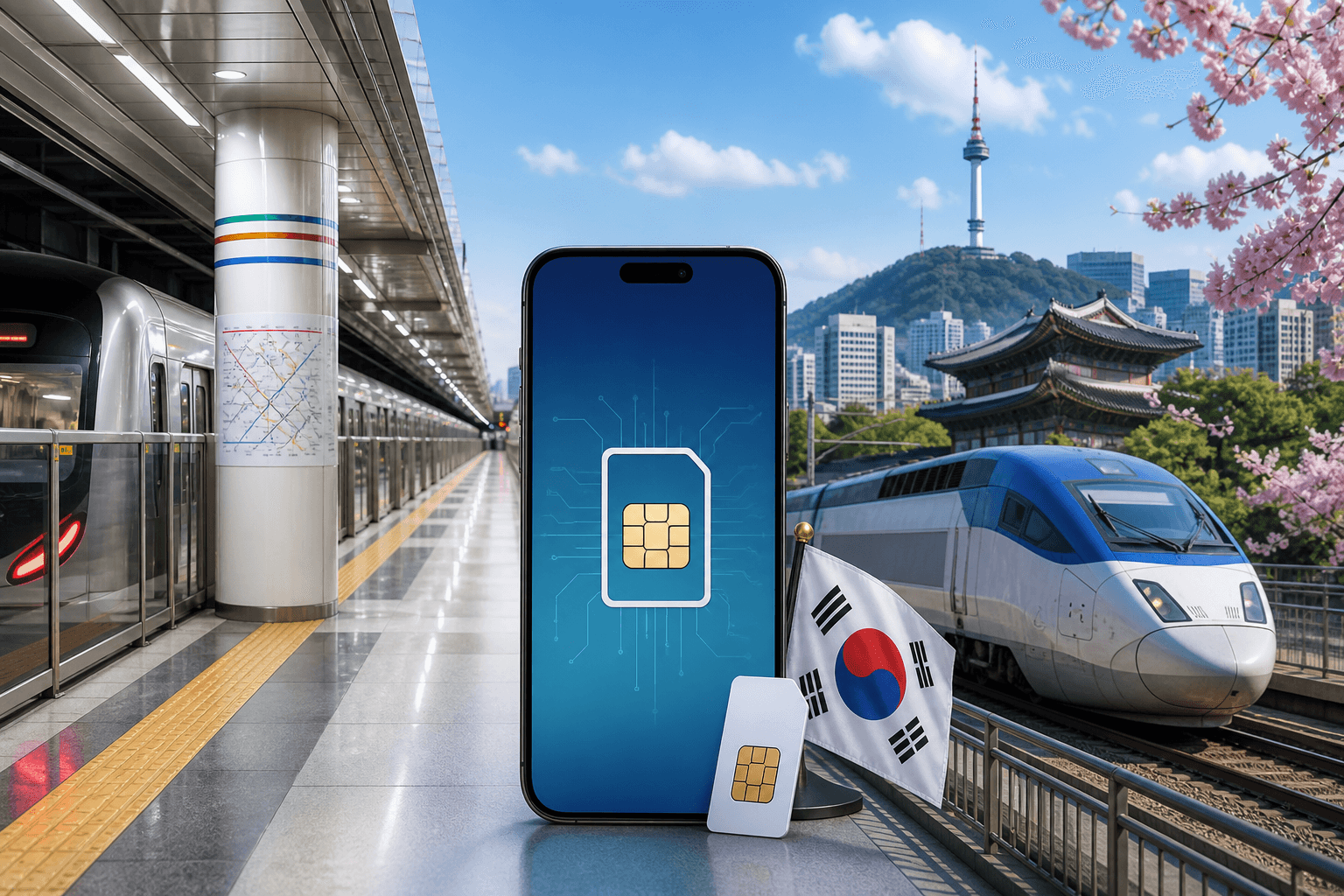
For South Korea, a data-only eSIM is enough for most tourist data needs if your phone supports LTE, because there is no 2G or 3G left in the country. BeeSim South Korea plans connect to SKTelecom and LG Uplus on 5G, while South Korea has 5G in every city and 4G coverage elsewhere, including subway systems and KTX trains.
Use the destination page to compare current prices and plan availability: South Korea eSIM. Do not use old price screenshots or cached blog snippets for checkout decisions; live plan prices stay on the destination page.
What eSIM coverage is like in South Korea on metro systems and KTX
South Korea’s mobile networks are SK Telecom, KT, LG U+. The country has 5G in every city, with 4G on the rest of the network, including subway systems and KTX trains.
For a traveller, the practical point is simple: your phone must support LTE. If a very old handset depends on 3G, it is not suitable for South Korea because those older networks are no longer available.
When you are on the subway or a KTX train, focus on the data allowance rather than only the 5G label. A short ride with maps and chat uses little data. Video, cloud photo backup, laptop tethering and long scrolling sessions use much more. If you plan to work from trains or share your connection, check the plan page carefully before buying.
The phone should normally stay on automatic network selection. If you manually lock it to a network and then move through tunnels, stations or rail corridors, it may take longer to recover when signal conditions change.
Which South Korea eSIM plan size to pick using catalog examples
The South Korea catalog has fixed-data plans and daily plans. Fixed-data plans give you one allowance for the whole validity period. Daily plans give you a full-speed allowance each day, then the speed drops after that day’s allowance is used.
| Plan type | Data allowance | Validity | What it suits |
|---|---|---|---|
| Fixed data | 1 GB | 7 days | Short trips with light map and chat use |
| Fixed data | 3 GB | 30 days | Low-data travel with regular Wi-Fi |
| Fixed data | 5 GB | 30 days | A week or more of ordinary navigation and messaging |
| Fixed data | 10 GB | 30 days | Heavier daily use away from hotel Wi-Fi |
| Fixed data | 20 GB | 30 days | Frequent browsing, uploads or some hotspot use if the plan allows it |
| Fixed data | 50 GB | 30 days | High-data trips where replacing the plan mid-trip would be annoying |
| Daily | 500 MB, 1 GB, 2 GB, 3 GB, 5 GB or 10 GB per day | 1 to 30 days | Travellers who prefer a daily reset; speed drops after the daily allowance |
Pick a fixed-data plan when your usage is predictable. For example, choose 3 GB or 5 GB for light travel where Wi-Fi covers evenings and hotel time. Move up to 10 GB or 20 GB if you expect to use navigation all day, translate menus, upload photos or spend time on trains without Wi-Fi. Use 50 GB only when you know your phone will do a lot of data work, such as laptop tethering where the plan page confirms hotspot is available.
Daily plans make sense when you do not want one heavy day to drain the whole trip allowance. A landing day can use more data than expected because you may be loading maps, arranging transport and checking bookings while moving around. With a daily plan, the full-speed allowance resets on the next day, subject to the plan’s validity and fair use terms shown on the plan page.
The plan validity starts when the eSIM first connects to a network in South Korea, not when you install it at home. The eSIM must be installed within 180 days of purchase.
To see the current plan list and live pricing, open South Korea eSIM.
Will a data-only eSIM work for tourists in South Korea?
Yes, for most visitors. Many local services work without a Korean phone number, including Naver Maps, Kakao T taxis and delivery apps, so a data-only eSIM covers normal tourist needs.
A data-only plan does not include a local phone number or SMS. Keep your home SIM or primary eSIM active if you need banking texts, airline messages or calls to your usual number. On dual-SIM phones, the clean setup is usually this: keep your home line available for your number, then set mobile data to the Korea eSIM.
Before buying, check that your device supports eSIM and is not locked to one carrier. Use the compatibility page if you are not sure: Compatible phones. If your phone has only one active eSIM slot, remove any old travel eSIM you no longer need before installing the new one.
How to install and set up an eSIM for South Korea so it works on arrival
Install the eSIM while you still have reliable Wi-Fi. You can use a QR code or enter the SM-DP+ details manually if the QR code cannot be scanned. The plan will not start counting down until the first connection in South Korea.
For iPhone on iOS 17 or iOS 18:
- Open Settings → Cellular, or Settings → Mobile Service.
- Tap Add eSIM.
- Choose Use QR Code, then scan the QR code from your order.
- If scanning fails, tap Enter Details Manually and enter the SM-DP+ information from the order.
- Name the line “Korea eSIM” so you can identify it later.
- Before departure, leave your normal line selected for mobile data if you do not want the travel line to attach early.
When you land:
- Go to Settings → Cellular, or Mobile Service.
- Tap Cellular Data and select “Korea eSIM”.
- Open the Korea eSIM line and turn Data Roaming on.
- Keep Network Selection on Automatic unless support asks you to change it.
For Samsung on Android 14 or Android 15:
- Open Settings → Connections → SIM manager.
- Tap Add eSIM, then Scan QR code.
- After installation, set Preferred SIMs → Mobile data to the Korea eSIM.
- Go to Settings → Connections → Mobile networks and turn Data roaming on for the eSIM if your model shows the option there.
For Google Pixel on Android 14 or Android 15:
- Open Settings → Network & internet → SIMs.
- Tap Add SIM, then Set up an eSIM.
- Scan the QR code, or choose the manual entry option if needed.
- In SIMs, select the Korea eSIM for Mobile data.
- Open the eSIM settings and turn Roaming on.
For Xiaomi on Android 14 or Android 15, menu names vary by model:
- Open Settings → SIM cards & mobile networks.
- Tap Manage eSIM or Add eSIM.
- Scan the QR code or enter the manual details.
- Set Default for mobile data to the Korea eSIM.
- Turn Data roaming on for the eSIM line if the phone shows a separate roaming switch.
If data does not work after arrival, do these steps in order:
- Confirm the eSIM line is turned on.
- Confirm mobile data is assigned to the Korea eSIM, not your home SIM.
- Turn Data Roaming on for the Korea eSIM.
- Keep network selection on Automatic.
- Toggle Airplane Mode on, wait a short moment, then turn it off.
- Restart the phone if it still has no data.
- If the phone shows signal but no internet, check whether the plan has run out of data or whether a daily allowance has dropped to reduced speed.
Hotspot, multi-device use, and what happens when you run out of data
Do not assume hotspot is included on every plan. Check the individual plan page before buying, because hotspot and tethering availability is stated per plan.
If hotspot is available on the plan you choose, treat it as a high-data feature. A laptop can use data quickly through system updates, cloud sync and large webpages. If you need to connect a tablet or computer often, start with a larger fixed-data plan or a daily plan with enough full-speed data for the days when you will tether.
Plans cannot be topped up. When the allowance is used, buy another plan and install it as a new eSIM line. If you are using a daily plan, remember that the speed drops after that day’s allowance is used; the next day’s allowance depends on the plan’s remaining validity.
Regional eSIMs that include South Korea when one line is simpler
Use a regional plan when South Korea is one stop in a longer trip and you would rather keep one eSIM line active across borders. South Korea is included in these regional options:
| Regional plan | Areas covered |
|---|---|
| Japan & South Korea | 2 countries |
| China mainland & Japan & South Korea | 3 countries |
| Asia | 12 areas |
| Asia | 14 areas |
A regional plan is useful when you will land in one country, cross to another and want data to continue without installing a new country-specific eSIM at each stop. Check the regional plan page for the exact country list, validity and hotspot rules before checkout.
Refund rules and purchase details you should know before checkout
For payment and refund rules, use the current FAQ rather than old article text: FAQ. Prices are listed live on the storefront, and this article does not name them because plan prices change.
Before checkout, confirm four things on the plan page: the data allowance, validity, whether hotspot is allowed and whether you want a South Korea-only plan or a regional plan. If any of those details do not match your trip, go back to the plan list before installing the eSIM.
More destinations
All destinations →Topics
Frequently asked questions
Can I buy and manage the South Korea eSIM from a phone?
Yes. BeeSim works through the website and the BeeSim app, so you can buy from a phone as long as you have internet access to complete checkout and open the installation details.
Will a South Korea eSIM give me a Korean phone number?
No. BeeSim travel eSIM plans are data-only, so they do not include a local number or SMS inbox. If a service requires Korean SMS verification, a data-only travel eSIM will not provide that.
How are South Korea eSIM prices shown at checkout?
Prices are listed and charged in USD. The storefront may show an estimate in your local currency, but the live destination page is the place to check the current amount.
What should I send support if installation fails?
Contact support by email from the site and include your order email, phone model and a screenshot of the error message. Do not delete the eSIM while support is checking it unless they ask you to.
Can I leave the Korea eSIM installed after the trip?
Yes, you can leave it as an inactive line if your phone has enough SIM slots. If you need space for another travel eSIM later, delete the old Korea line after the trip has ended.
BeeSim Editorial
Travel eSIM guides from the BeeSim team: activation, coverage caveats, and the mistakes that strand travellers.
Editorial policyRelated articles
- Turkey
Buy Turkey eSIM in 2026: local SIM rules, networks, and install
How to buy a Turkey eSIM in 2026 without airport queues: passport and 120-day phone rules for local SIMs, Turkcell and Vodafone coverage, and install steps before you fly.
Oct 29, 202612 min read2 views
- Indonesia
eSIM for Indonesia and Bali in 2026: plans, prices, and the IMEI rule a travel eSIM avoids
Indonesia’s IMEI blocking affects imported phones that use a local SIM without customs registration. A travel eSIM is a roaming profile, so the block doesn’t apply—while still giving you data on Telkomsel, Indosat, XL or 3 in Bali, Java, Lombok and beyond.
Oct 28, 202613 min read
- eSIM
eSIM for China in 2026: plans, prices, and why Google, WhatsApp and Instagram usually work
China travel eSIMs are roaming profiles, so your data can exit outside mainland China—why Google, WhatsApp and Instagram usually work without a VPN. Here’s how plan types, live prices, networks, and setup work in 2026, plus what to watch for with Hong Kong and Macau.
Oct 28, 202614 min read
- eSIM
eSIM for Greece in 2026: plans, prices, and coverage on the islands and ferries
A practical guide to choosing a Greece eSIM in 2026: plan options and example prices, what coverage is like on islands and ferries, and the exact phone settings that usually fix “no service.”
Oct 28, 20268 min read
- France
eSIM for France in 2026: plans, prices, and coverage in Paris, on the TGV, and in the countryside
A practical guide to choosing a France eSIM in 2026: plan sizes and prices, what coverage is like in Paris, on TGV routes, and in rural areas, plus setup steps and troubleshooting.
Oct 28, 20269 min read
- eSIM
eSIM for the UK in 2026: plans, prices, and why a “Europe” plan may not include it
UK eSIM plan pages in 2026 show data allowance, validity, country list and live price. Check the country list before you pay, because a plan sold as “Europe” may not cover the UK.
Oct 28, 202614 min read1 views