Europe eSIM: the 40+ country bundle, what it covers, and which size to buy
Use one Europe eSIM for 40+ areas including the UK, Switzerland and Turkey. See what is covered, when Balkans is better, and which size fits.
Published Oct 6, 202611 min read1 views
In this guide
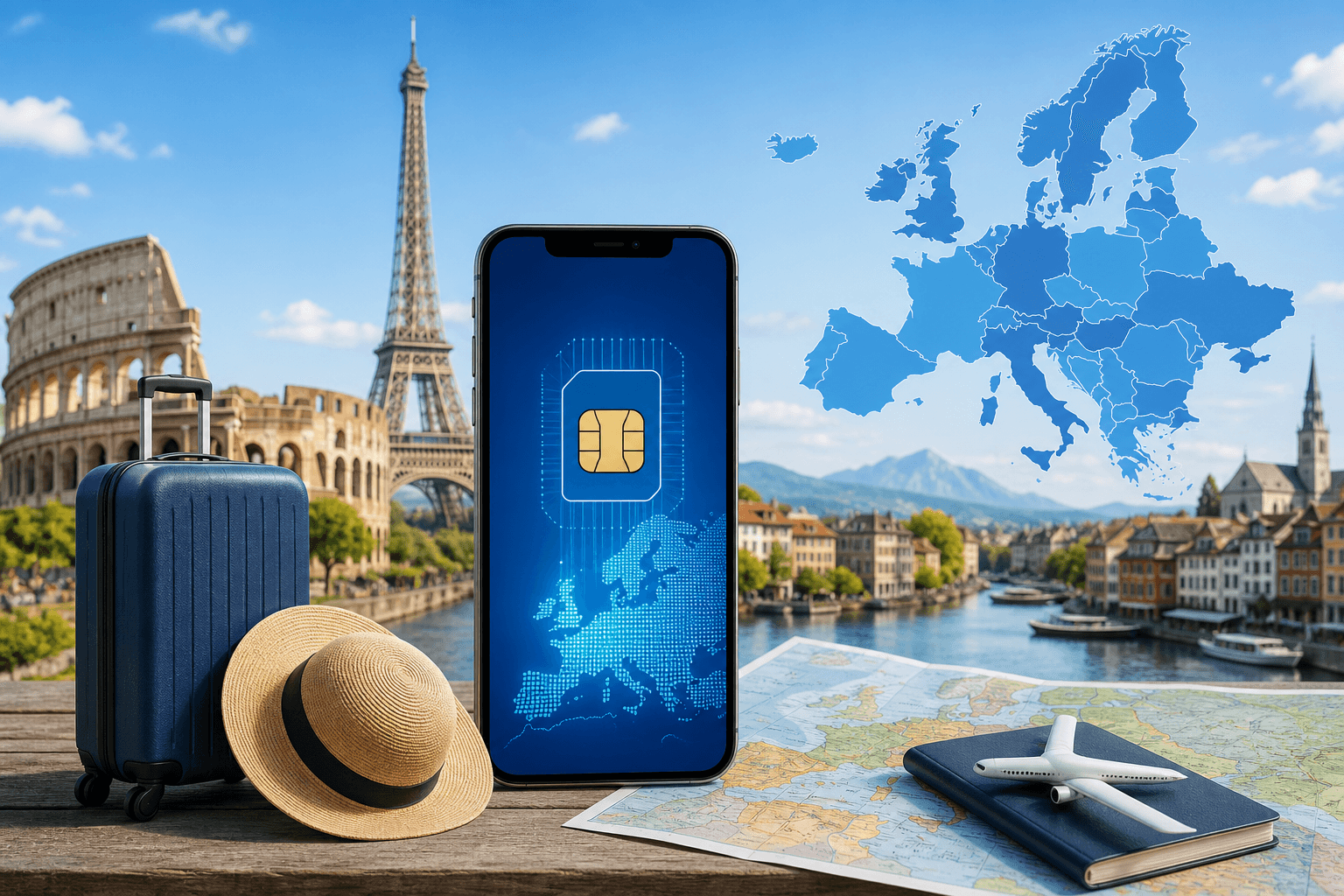
A Europe eSIM is the right choice if your trip crosses several covered countries, because one regional plan can keep mobile data working through the UK, Switzerland, Turkey and most of the usual Europe rail and flight routes. Buy the size by trip length first, then by how often you will use mobile data away from Wi‑Fi: short week, two to three weeks, one month, or a seasonal stay.
BeeSim’s Europe regional bundle is data-only, so it does not give you a local phone number or SMS. Catalog coverage and plan shapes below were checked on 2026-10-01; use the live destination page before checkout because the current plan list is the version that matters.
Which countries does the Europe eSIM cover?
The Europe bundle covers 40+ areas in the BeeSim catalog, including the United Kingdom, Switzerland and Turkey. That matters because these three are common edge cases for travellers: some Europe trips include the UK but not the Schengen area, some alpine routes cross Switzerland, and some longer itineraries add Turkey after mainland Europe.
The listed coverage is:
| Europe bundle coverage | Areas included |
|---|---|
| A–C | Aland Islands, Austria, Belgium, Bulgaria, Croatia, Cyprus, Czech Republic |
| D–G | Denmark, Estonia, Finland, France, Germany, Gibraltar, Greece, Guernsey |
| H–I | Hungary, Iceland, Ireland, Isle of Man, Italy |
| J–L | Jersey, Latvia, Liechtenstein, Lithuania, Luxembourg |
| M–N | Malta, Netherlands, North Macedonia, Norway |
| P–S | Poland, Portugal, Romania, Serbia, Slovakia, Slovenia, Spain, Sweden, Switzerland |
| T–U | Turkey, Ukraine, United Kingdom |
Do not assume that every place commonly described as “Europe” is inside this bundle. Albania and Montenegro, for example, are not in the Europe coverage list above, while they are in the Balkans regional bundle. If your itinerary includes a country not shown on the Europe destination page, check that country page or ask support by email from the site before you buy.
Which Europe eSIM size should you buy?
Choose the Europe plan by the length of the trip and the way you use data. The simplest rule is this: do not buy the smallest plan for a long trip just because you expect hotel Wi‑Fi, and do not buy a seasonal plan for a short city break unless you already know you need that much mobile data.
BeeSim Europe plans cannot be topped up. If you run out, you buy another plan. That makes the first choice more important on a multi-country trip, because stopping to replace a plan while crossing borders is avoidable.
| Trip pattern | Europe plan shape to look at | Why it fits |
|---|---|---|
| Short arrival week, light mobile use | 1 GB / 7 days | Cheapest way into the Europe bundle when you mainly need maps, tickets and messages between Wi‑Fi stops. |
| Two to three weeks | 3 GB / 15 days | A practical middle size for a holiday that moves across countries but still uses accommodation Wi‑Fi often. |
| One month | 10 GB / 30 days | Better suited to a full month than stacking very small plans, especially if you cross borders several times. |
| Seasonal stay or repeated trips | 50 GB / 180 days | The largest Europe option in the catalog; useful when the same eSIM must cover a long period. |
| Data-heavy days that vary | Daily plan: 2 GB full speed per day, then reduced speed after the daily volume | Fits days when you know you will use mobile data heavily and want a daily reset rather than a fixed bucket. |
If you are unsure, check your current phone’s recent mobile-data use before buying. On iPhone with iOS 17 or iOS 18, go to Settings > Cellular, then look under Cellular Data. On some phones the label is Settings > Mobile Service. On Samsung with Android 14 or Android 15, go to Settings > Connections > Data usage > Mobile data usage. On Pixel, use Settings > Network & internet > SIMs > App data usage. On Xiaomi, use Settings > SIM cards & mobile networks > Data usage.
Those screens show how your own apps behave. Resetting the counter before a normal travel-like day can help you judge whether a small fixed bundle is enough, without relying on somebody else’s usage pattern.
When is the Balkans bundle better than the Europe bundle?
The Balkans bundle is narrower, but it covers places that the Europe bundle does not list. If your route is mainly in Albania or Montenegro, do not buy the Europe bundle just because the trip is geographically European. Match the plan to the actual country list.
| Regional bundle | Coverage in the catalog | Plan shapes shown in the catalog |
|---|---|---|
| Europe | Aland Islands, Austria, Belgium, Bulgaria, Croatia, Cyprus, Czech Republic, Denmark, Estonia, Finland, France, Germany, Gibraltar, Greece, Guernsey, Hungary, Iceland, Ireland, Isle of Man, Italy, Jersey, Latvia, Liechtenstein, Lithuania, Luxembourg, Malta, Netherlands, North Macedonia, Norway, Poland, Portugal, Romania, Serbia, Slovakia, Slovenia, Spain, Sweden, Switzerland, Turkey, Ukraine, United Kingdom | 1 GB / 7 days; 3 GB / 15 days; 10 GB / 30 days; 50 GB / 180 days; daily plan with 2 GB full speed per day |
| Balkans | Albania, Bulgaria, Croatia, Greece, Montenegro, North Macedonia, Serbia | 1 GB / 7 days; 5 GB / 20 days; 20 GB / 30 days; daily plan with 2 GB full speed per day |
For a Greece–Croatia–Serbia trip, either regional list may cover the route, so compare the live plan page by duration and data size. For Albania–Montenegro, the Balkans bundle is the safer starting point because those two are not in the Europe list. For UK–France–Switzerland–Italy–Turkey, the Europe bundle is the relevant regional option.
Which plan fits common Europe itineraries?
Here are practical matches based on itinerary, not on a generic “Europe” label. Use the live destination page for the current price before checkout; prices are charged in USD, and the site may show an estimate in your local currency.
| Itinerary | Countries that matter for coverage | Recommended bundle and size to check |
|---|---|---|
| London, Paris, Amsterdam, Berlin | United Kingdom, France, Netherlands, Germany | Europe 10 GB / 30 days if the trip is close to a month; Europe 3 GB / 15 days for a shorter two-to-three-week route. |
| Zurich, Milan, Vienna, Prague | Switzerland, Italy, Austria, Czech Republic | Europe 10 GB / 30 days for a month-long rail route; Europe 1 GB / 7 days only for a short, light-use visit. |
| Spain and Portugal for one week | Spain, Portugal | Europe 1 GB / 7 days for light use; move up if you will depend on mobile data between Wi‑Fi. |
| Greece, Croatia, Serbia | Greece, Croatia, Serbia | Compare Europe and Balkans by live size and validity; both catalog lists include these countries. |
| Albania, Montenegro, Croatia | Albania, Montenegro, Croatia | Balkans bundle, because Albania and Montenegro are not listed in the Europe bundle. |
| UK, Ireland, Turkey | United Kingdom, Ireland, Turkey | Europe 10 GB / 30 days for a longer route; Europe 3 GB / 15 days for a shorter one. |
| Several trips in one season | Any covered Europe areas | Europe 50 GB / 180 days if you want one long-validity data bucket across covered areas. |
The important trade-off is unused data versus buying again. A smaller plan can be fine if you only need transport apps and messaging between hotels. A larger fixed bundle reduces the chance that you will need to stop and buy a second plan mid-trip.
How do you install the Europe eSIM before travel?
Install the eSIM at home, but keep the travel line off for mobile data until you arrive. BeeSim plan validity starts at the first connection in the destination, so installation and first use are not the same thing.
Use QR installation if you can display the QR code on another screen or print it. If you cannot scan, use manual SM-DP+ entry from the installation details.
On iPhone with iOS 17 or iOS 18:
- Open Settings > Cellular. In some regions the menu says Settings > Mobile Service.
- Tap Add eSIM.
- Tap Use QR Code and scan the code.
- If scanning is not possible, tap Enter Details Manually and enter the SM-DP+ details.
- Label the line, for example “Europe eSIM”.
- Keep your normal SIM as the default voice line if you still need calls and SMS.
- On arrival, go to Settings > Cellular > Cellular Data and choose the eSIM line.
- Open the eSIM line settings and turn Data Roaming on if the plan instructions require it.
On Samsung with Android 14 or Android 15:
- Go to Settings > Connections > SIM manager.
- Tap Add eSIM.
- Choose Scan QR code, or use the manual entry option if the QR code cannot be scanned.
- After landing, return to SIM manager and set Mobile data to the Europe eSIM.
- Go to Settings > Connections > Mobile networks and turn Data roaming on for the eSIM line if needed.
On Pixel with Android 14 or Android 15:
- Go to Settings > Network & internet > SIMs.
- Tap Add SIM, then Set up an eSIM.
- Scan the QR code or enter details manually when offered.
- On arrival, open Settings > Network & internet > SIMs and select the eSIM for Mobile data.
- Turn roaming on for that SIM if the plan instructions say to use roaming.
On Xiaomi with Android 14 or Android 15, the wording can vary by model:
- Go to Settings > SIM cards & mobile networks.
- Open Manage eSIM or the eSIM section shown on your device.
- Add an eSIM and scan the QR code.
- If scanning fails, choose manual entry and use the SM-DP+ details.
- After arrival, set the eSIM as the mobile data line and enable data roaming for that line if required.
If you are installing from the BeeSim app instead of the website, follow the same principle: add the eSIM before departure, select it for mobile data only when you reach a covered destination.
What should you check before buying?
First, confirm that your exact countries are on the plan page. “Europe” is not a substitute for the coverage list, especially around the Balkans and nearby regions.
Second, check whether hotspot or tethering is allowed on the specific plan page. Do not assume it is included. If laptop tethering matters for work, verify that line before buying, because the catalog states hotspot availability per plan rather than as a general rule.
Third, remember that the plan is data-only. It will not provide a local phone number or SMS. If a bank, airline or apartment host needs SMS verification, keep a way to receive messages on your usual number or use another method they support.
Fourth, read the payment and refund information in the BeeSim FAQ rather than relying on a blog article. Store policies can change faster than evergreen travel guidance.
What can go wrong with a Europe eSIM, and how do you fix it?
If the eSIM shows no data after you land, start with the settings that decide which SIM is actually carrying mobile data. On iPhone, go to Settings > Cellular > Cellular Data and select the eSIM. On Samsung, use Settings > Connections > SIM manager > Mobile data. On Pixel, use Settings > Network & internet > SIMs > Mobile data. On Xiaomi, use Settings > SIM cards & mobile networks and set the eSIM as the data SIM.
If the correct line is selected but pages still do not load, turn Airplane Mode on and off. Then restart the phone. After that, check that data roaming is on for the eSIM line if the installation instructions require roaming. Travel eSIMs often need roaming enabled even though you are using a purchased data plan.
If you installed the eSIM before leaving home and worry that the validity has started, check whether the phone has connected in a covered destination. For BeeSim, validity starts at the first connection in the destination, so pre-trip installation alone is not the trigger.
If you deleted the eSIM profile while troubleshooting, stop and contact support by email from the site. Do not keep trying to reuse the same QR code without checking, because eSIM profiles are not always meant to be repeatedly installed.
If the country is not covered, changing settings will not fix it. Buy the correct regional or country plan instead. For Albania or Montenegro, start by checking the Balkans bundle rather than the Europe bundle. For an unlisted destination, use the country page or support.
If your data ran out, there is no top-up button for the existing plan. Buy another plan, install it, and select the new eSIM as the mobile data line. If you have questions about order handling, use the FAQ before purchasing again.
If hotspot does not appear or another device cannot connect, go back to the plan page and check whether tethering is available for that exact plan. If the page does not state that it is available, do not plan your workday around it.
How should you use the Europe eSIM on arrival?
After the plane lands or the train crosses into a covered country, switch mobile data to the eSIM and keep your home SIM available only if you need calls or SMS. Then open a browser page or maps app to confirm data is working before you leave the airport or station Wi‑Fi.
If your phone offers a setting for “Allow Mobile Data Switching” on iPhone, leave it off unless you deliberately want the phone to use another SIM when the eSIM signal is unavailable. That avoids accidental use of your home SIM for data. On Android, check the equivalent default data SIM setting and make sure the Europe eSIM is selected.
If you will cross from a covered country into one that is not on the Europe list, buy and install the next plan before the border day while you still have data or Wi‑Fi.
More destinations
All destinations →Topics
Frequently asked questions
Can I keep my home SIM on while using a Europe eSIM?
Yes, if your phone supports dual SIM use. Set the Europe eSIM as the mobile data line and keep your home SIM for calls or SMS if you still need your usual number.
Do I need the BeeSim app to install the Europe eSIM?
No. You can use the BeeSim app or the website, and installation can be done by QR code or manual SM-DP+ entry.
Will I be charged in my local currency?
BeeSim lists and charges plans in USD. The site may show an estimate in your local currency so you can compare, but the charge is in USD.
Can I install both Europe and Balkans eSIMs for one trip?
You can install more than one eSIM if your device supports it. Before each leg, select the correct eSIM as the mobile data line and confirm that the country is covered by that plan.
What if my phone asks for SM-DP+ details instead of scanning the QR code?
Use the manual installation details from your eSIM order. Enter the SM-DP+ information exactly as shown, then finish setup and select the eSIM for mobile data after arrival.
Editorial Team
Guides and articles from our editorial team.
Related articles
- United Kingdom
eSIM for United Kingdom: Which UK Data Plan to Buy
Choose a UK eSIM by trip length and daily data use, then check the live price on the destination page before you buy.
Oct 17, 202611 min read5 views
- Portugal
eSIM for Portugal: which plan to buy before you land
Choose a Portugal eSIM by trip length and daily data use, from 3 GB / 30 days to 100 GB / 60 days. Install before flying.
Oct 13, 202610 min read
- southeast asia esim
Southeast Asia eSIM: one plan for Thailand, Vietnam, Malaysia, Indonesia and more
Which Southeast Asia eSIM covers your route, where Singapore fits, and how to choose between regional and country plans without overbuying data.
Oct 12, 202612 min read
- cruise eSIM
eSIM on Cruise Ship: What Works at Sea and in Port
Cruise data guide for sea days, port calls and tender boats: when a travel eSIM works, which plans fit, and what to check before sailing.
Oct 11, 202610 min read
- eSIM setup
How to check if your phone is carrier-unlocked before buying a travel eSIM
Check eSIM hardware with *#06# and carrier lock in settings before you buy. iPhone and Android paths differ, especially Samsung, Pixel and Xiaomi.
Oct 9, 20269 min read
- eSIM comparison
BeeSim vs Holafly: prices for 7 destinations, unlimited rules, hotspot and refunds
Compare BeeSim vs Holafly for Turkey, Thailand, UAE, Japan, Spain, the US and Europe: data sizes, unlimited rules, hotspot limits and refund checks.
Oct 8, 202610 min read