eSIM on Cruise Ship: What Works at Sea and in Port
Cruise data guide for sea days, port calls and tender boats: when a travel eSIM works, which plans fit, and what to check before sailing.
Published Oct 11, 202610 min read
In this guide
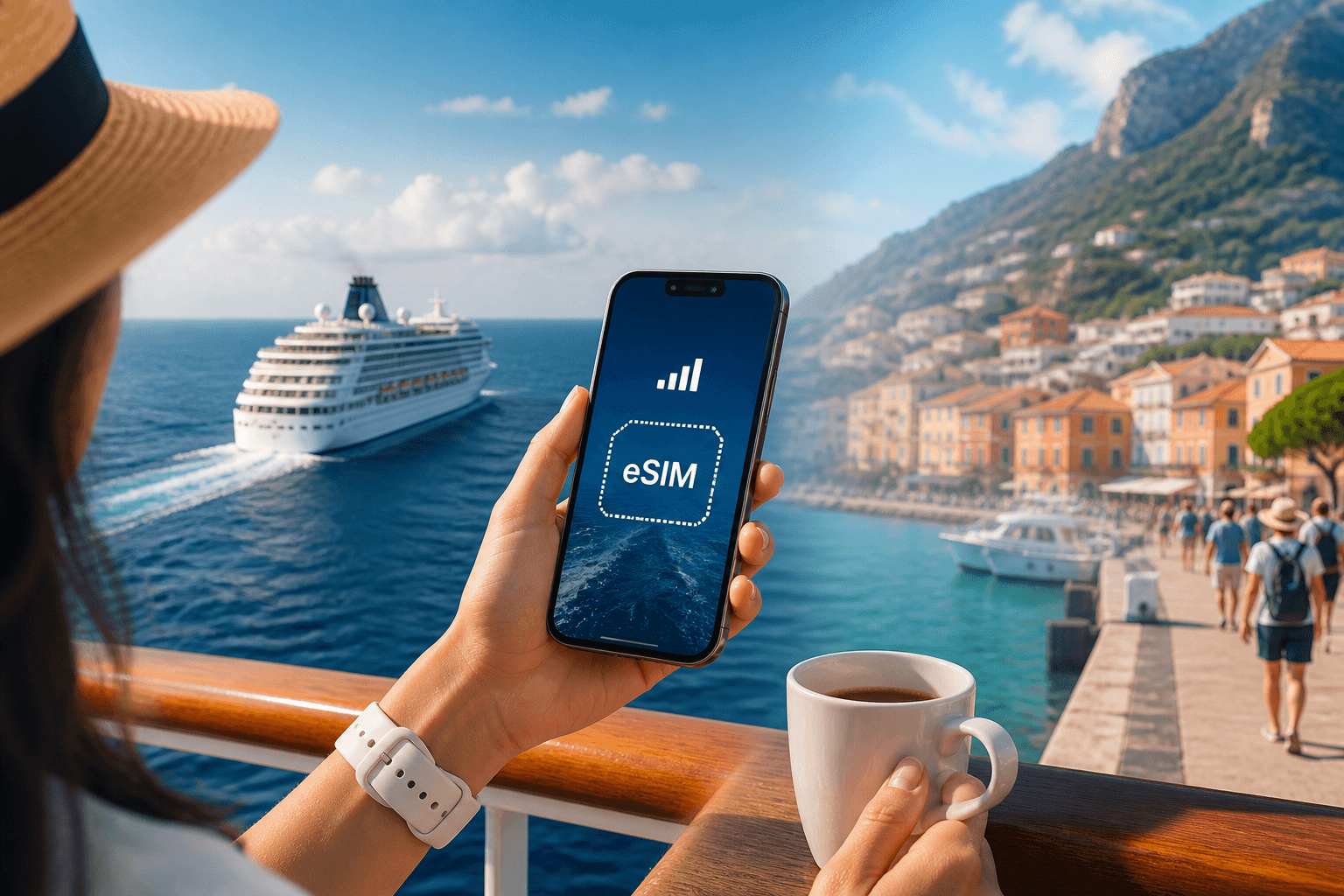
An eSIM on cruise ship itinerary does not give mobile data in open water; it uses land networks, so it works in ports and sometimes near the coast, not when the ship is at sea. On tender days, expect it to reconnect when the boat is close enough to shore or after you land, while the ship’s Wi-Fi or satellite connection is the only option offshore.
Use a travel eSIM as port-day data: maps, messaging, ride-hailing, restaurant searches, ferry updates and uploads while you are ashore. For sea days, plan around the ship’s internet instead.
Where does an eSIM work on a cruise ship?
A travel eSIM connects to mobile networks on land. That is the main rule for cruises.
When the ship is in open water, there is no land mobile network for your phone to use. Your eSIM is not broken. Your phone may show no service, emergency calls only, or it may simply keep searching. If you need internet while the ship is away from land, use the ship’s Wi-Fi or the ship’s satellite-based connection.
When the ship is docked, the eSIM behaves like it would on any normal trip. If the plan covers that country or area, your phone can register on a local network, and your apps use mobile data from the eSIM. BeeSim plans are data-only, so they do not add a local phone number and do not include SMS.
Near the coast, the answer is less tidy. A phone may connect while the ship is entering a harbor, leaving a bay, or sailing close to land. It may also drop again without warning. Do not treat near-shore service as dependable for a work call or a boarding document you have not downloaded.
Tender boats sit between those cases. While the tender is beside the ship, assume the eSIM may still have no usable land signal. As the tender approaches shore, the phone may register. If it does not, wait until you are on land, then check the line settings before troubleshooting the plan.
Which cruise eSIM plan fits Italy, Greece or the Caribbean?
Choose the plan by where you will actually go ashore, not by the flag or home port of the ship. A Mediterranean route with Italy and Greece may be better handled by a Europe regional plan, while a Caribbean sailing needs coverage for the specific islands and areas on your route.
In the BeeSim catalog checked 2026-10-01, these are the relevant country and regional choices for common cruise port days. The live plan list and current prices are on the destination pages.
| Cruise area | Cheapest option in the catalog | Option for 2-3 weeks | Option for 30 days | Largest option | Coverage notes for port days |
|---|---|---|---|---|---|
| Italy eSIM | 3 GB / 30 days | 50 GB / 20 days | 50 GB / 30 days | 100 GB / 60 days | Networks are TIM, Vodafone, WindTre and Iliad. Coverage is dense in cities and along the coasts; in the Alps and Apennine villages 4G comes and goes. |
| Greece eSIM | 2 GB / 15 days | 3 GB / 15 days | 50 GB / 30 days | 100 GB / 60 days | Networks are Cosmote, Vodafone and Nova. Islands are covered around towns and beaches; ferries lose signal mid-crossing and mountain villages on Crete and the mainland have gaps. |
| Caribbean eSIM | 1 GB / 7 days | 10 GB / 20 days | 10 GB / 30 days | 10 GB / 20 days | Covers 20+ areas. Check the plan page against every scheduled port before buying. |
Italy is in the EU, so a Europe regional plan covers it. The same eSIM keeps working in San Marino and Vatican City because they use Italian networks. Greece is also in the EU, so a Europe regional plan covers it too. Cyprus is a separate country and needs its own coverage, so do not assume a Greece port-day plan covers Cyprus.
For a route that mixes countries, open each destination or regional plan page and compare the covered places with the ship itinerary. If one port is not covered, that day will need ship Wi-Fi, public Wi-Fi ashore, your home roaming, or a separate plan that includes that country.
How much data do cruise port days need?
Port-day use is usually bursty: maps in the morning, messages through the day, photos and short videos when you stop, then more maps on the way back to the pier. Sea days should not consume eSIM data unless the ship is close enough to land for the phone to register.
The figures below are approximate app-published industry estimates. They are useful for choosing a plan size, not for predicting an exact bill.
| Activity | Approximate data use |
|---|---|
| Navigation | ~5-10 MB per hour of driving |
| WhatsApp or Telegram text | A few MB a day |
| Messenger voice call | ~0.5-1 MB per minute |
| Messenger video call | ~3-6 MB per minute |
| Instagram or TikTok feed | ~100-250 MB per hour |
| YouTube 480p | ~0.5 GB per hour |
| YouTube 720p | ~1 GB per hour |
| YouTube 1080p | ~1.5-3 GB per hour |
| Music streaming | ~60-150 MB per hour |
| 1-hour Zoom or Teams meeting | ~0.8-1.5 GB |
| Cloud photo backup | ~3-5 MB per photo |
| 30-minute hotspot session for email and web | ~100-300 MB |
Use this rule of thumb before choosing a plan:
| Traveller style | Daily estimate | What it means on a cruise |
|---|---|---|
| Light | 0.3 GB/day | Maps, messages, tickets, restaurant searches and light browsing ashore. |
| Normal | 1 GB/day | More social feeds, photo sharing and regular app use during port calls. |
| Heavy | 2.5 GB/day | Video, long calls, cloud backup or laptop use when tethering is available. |
The important cruise-specific point is that ship days do not automatically require mobile data. If your itinerary has many sea days, do not size the eSIM as if you will use it every waking hour. If your itinerary has dense port calls, choose by the number of active shore days and by whether you will stream video or back up photos.
Hotspot use is plan-specific. BeeSim shows tethering availability on each plan page, so check that line before assuming a laptop or a second phone can share the connection.
How do you install the eSIM before sailing and use it on arrival?
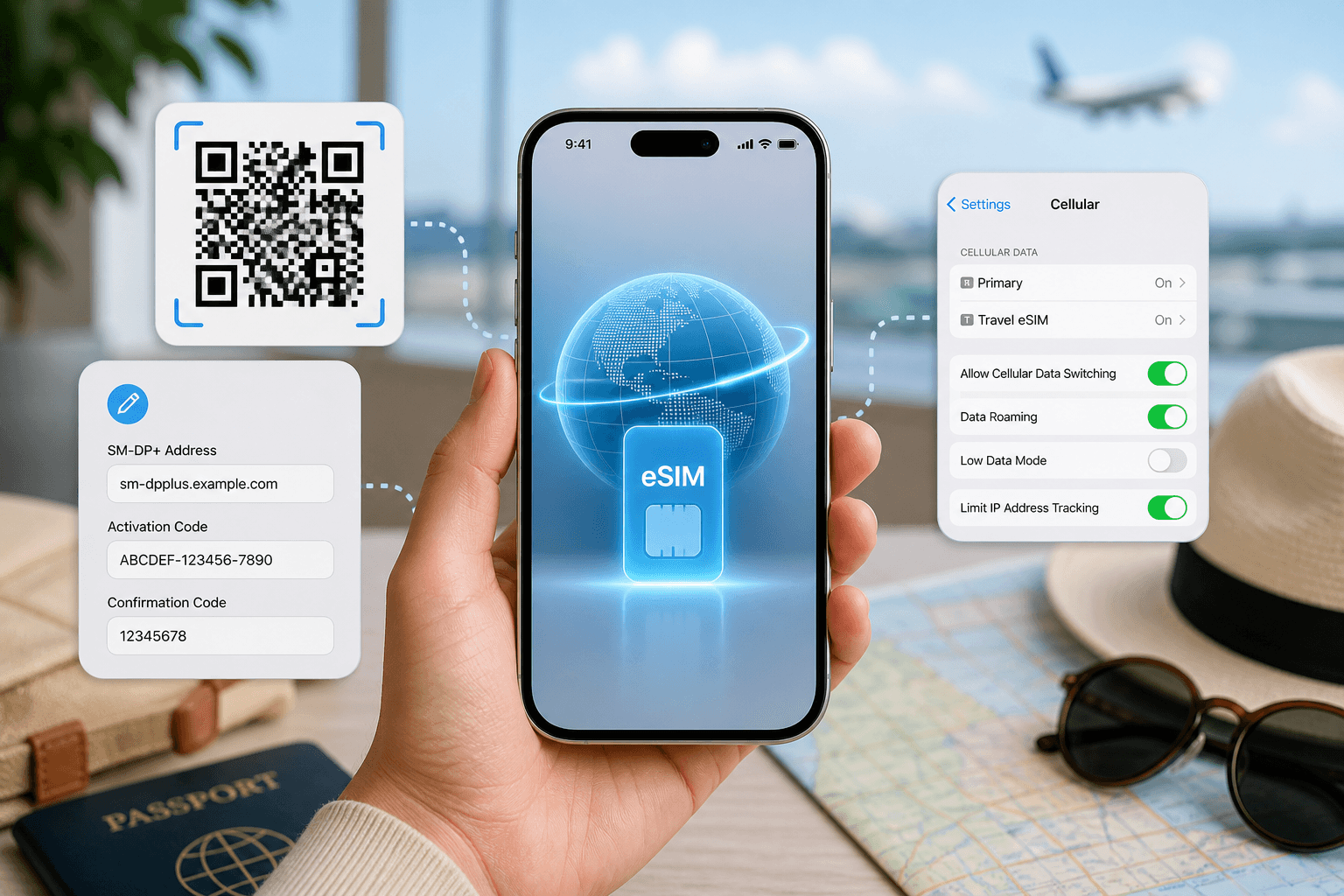
Install the eSIM before the cruise while you still have stable internet. BeeSim plans can be installed by QR code or by manual SM-DP+ entry, and the validity starts at the first connection in the destination. That means you can install at home and let it begin when it connects on arrival.
On iOS 17/18:
- Go to Settings > Cellular, or Settings > Mobile Service depending on region.
- Tap Add eSIM.
- Choose Use QR Code and scan the QR code, or tap Enter Details Manually and enter the SM-DP+ details.
- Label the line clearly, for example Cruise Data.
- Go to Settings > Cellular > Cellular Data and choose the eSIM for mobile data.
- Turn off Allow Cellular Data Switching if you do not want the iPhone to fall back to another line for data.
- Open Settings > Cellular > Cruise Data and turn Data Roaming on for the eSIM line when you are ready to use it in port.
On Samsung with Android 14/15:
- Open Settings > Connections > SIM manager.
- Tap Add eSIM.
- Scan the QR code, or use the manual entry option if you received SM-DP+ details.
- In SIM manager, set the eSIM as the preferred SIM for Mobile data.
- Go to Settings > Connections > Mobile networks and turn Data roaming on for the eSIM.
On Pixel with Android 14/15:
- Open Settings > Network & internet > SIMs.
- Tap Add SIM, then Set up an eSIM.
- Scan the QR code or enter the activation details manually.
- Open Settings > Network & internet > SIMs, select the eSIM, then turn Mobile data on.
- Turn Roaming on for that eSIM.
On Xiaomi with Android 14/15:
- Open Settings > SIM cards & mobile networks.
- Go to Manage eSIM or eSIM management.
- Tap Add eSIM and scan the QR code, or enter the manual details if shown.
- Return to SIM cards & mobile networks and choose the eSIM for Mobile data.
- Turn Data roaming on for the eSIM before using it in the covered destination.
If you keep your home SIM active for calls or bank messages, make sure the travel eSIM is the line selected for mobile data. On iPhone, the setting to watch is Cellular Data. On Android, check the default data SIM. This avoids accidentally using the wrong line ashore.
What should you do on sea days, port days and tender days?
On sea days, put the phone in Airplane Mode if you want to stop it searching for land networks. Then turn Wi-Fi back on if you are using the ship’s internet. Your travel eSIM is not useful until the phone can see a land network again.
Before a port call, check that the eSIM line is installed and available in settings. When the ship is docked or close to land, turn off Airplane Mode, select the eSIM for mobile data, and make sure data roaming is on for that eSIM. If the phone does not connect immediately, give it time to register after the ship has tied up or after you have left the terminal area.
On tender days, download tickets, meeting points and offline map areas before leaving the ship if they matter. The tender may not have usable land signal while it is still near the ship. When you get closer to the harbor or beach, the eSIM may connect; if it does not, wait until you are ashore and then toggle Airplane Mode off and on.
For Italy port calls, coverage is generally dense in cities and along the coasts, which fits many cruise stops. If an excursion goes into the Alps, the Apennines or small villages, expect 4G to come and go.
For Greece port calls, expect coverage around island towns and beaches. Ferries can lose signal mid-crossing, and mountain villages on Crete and the mainland have gaps. If you are taking a smaller boat or a long coach trip inland, save key information offline before departure.
For Caribbean sailings, check each island or area on the plan page. A Caribbean plan covering 20+ areas is useful only when your exact ports are included.
What can go wrong with an eSIM on a cruise, and how do you fix it?
Most cruise eSIM problems are either normal sea behavior or a line-selection setting. Work through the visible symptom before deleting anything.
| Problem | Likely cause | What to do |
|---|---|---|
| No service while the ship is at sea | There is no land network in open water | Use ship Wi-Fi or satellite internet. Try mobile data again near the coast or in port. |
| The eSIM is installed but has no data in port | The phone is using another line, roaming is off, or the port is not covered | Set the eSIM as the mobile data line. Turn data roaming on for the eSIM. Check the destination or regional plan page against the port. |
| Data works in one port but not the next | The next country or island may not be included | Open the plan’s coverage list. If the port is missing, buy another plan that includes it or use another connection for that stop. |
| Signal drops on a tender or ferry | The boat is between land coverage areas | Wait until you are closer to shore or fully ashore. Toggle Airplane Mode after landing if the phone does not reconnect. |
| The plan ran out during the cruise | Plans cannot be topped up | Buy another plan in the BeeSim app or on the website, then install it and select it for mobile data. |
| Hotspot does not appear or does not work | Tethering depends on the specific plan | Check the hotspot line on the plan page. If it is not available, use data on the phone itself. |
| You need help with payment or refund rules | Account and order rules are handled separately | Use the BeeSim FAQ for payment and refund information. For connection support, email support from the site. |
If the port is covered and settings look correct, restart the phone, confirm the eSIM is selected for mobile data, and leave network selection on automatic. If you changed manual network selection during troubleshooting, return it to automatic before the next port so the eSIM can register on the next available covered network.
More destinations
All destinations →Topics
Frequently asked questions
Can I buy a cruise eSIM after I have boarded?
Yes, if you already have internet access to buy and install it. Buying before sailing is safer because installation needs either the QR code or manual SM-DP+ details.
Can an inside cabin reduce eSIM signal in port?
Yes. A cabin deep inside the ship can block or weaken land mobile signal, so move near a window, balcony or open deck before deciding the eSIM is not working.
Will a Caribbean regional eSIM cover every cruise island?
No. A Caribbean plan in the catalog covers 20+ areas, not every possible island, so match the plan page coverage list to each port on the itinerary.
Can I use a cruise-line app with a travel eSIM?
If the app only needs internet, it can use the eSIM while you have land-network data in port. At sea, the same app would need the ship’s Wi-Fi or satellite connection.
Should I remove my home SIM when using an eSIM on a cruise?
Usually no. Keep it if you need your normal calls or SMS, but set the travel eSIM as the mobile data line and check that your phone is not switching data back to the home SIM.
Editorial Team
Guides and articles from our editorial team.
Related articles
- BeeSim vs Nomad
BeeSim vs Nomad: which travel eSIM to pick for 7 destinations
BeeSim vs Nomad across 7 destinations: plan sizes, unlimited rules, hotspot, top-ups, refunds and what to check before buying.
Oct 18, 202611 min read
- United Kingdom
eSIM for United Kingdom: Which UK Data Plan to Buy
Choose a UK eSIM by trip length and daily data use, then check the live price on the destination page before you buy.
Oct 17, 202611 min read5 views
- eSIM data
Unlimited eSIM vs Data Plan: Cheaper Break-Even
Use this break-even method to compare an unlimited daily eSIM with fixed GB plans for Thailand, Turkey and the UAE before you travel.
Oct 16, 202611 min read
- iPhone eSIM
How to install a travel eSIM on iPhone: QR code, manual SM-DP+ entry, and the settings people miss
Install a travel eSIM on iPhone with QR or manual SM-DP+ entry, then set the travel line for data and turn roaming on when you arrive.
Oct 15, 20269 min read
- eSIM
What an eSIM Is and How to Use It for Travel
A simple guide to travel eSIM basics, phone checks, buying, installation, and what to switch on after landing.
Oct 14, 20263 min read3 views
- eSIM comparison
BeeSim vs Saily: 7 destinations, hotspot and refunds
Compare BeeSim and Saily across 7 destinations, with plan sizes, unlimited limits, hotspot rules, top-ups and refund checkpoints before you buy.
Oct 14, 20269 min read