eSIM for Egypt in 2026: plans, prices, and what to expect from mobile internet in Cairo, Hurghada and Sharm El Sheikh
A practical guide to using an eSIM for mobile data in Egypt in 2026: plan options and prices in USD, which networks you’ll use, what coverage is like in Cairo and Red Sea resorts, and the settings that prevent the most common setup failures.
Updated Oct 6, 20266 min read2 views
In this guide
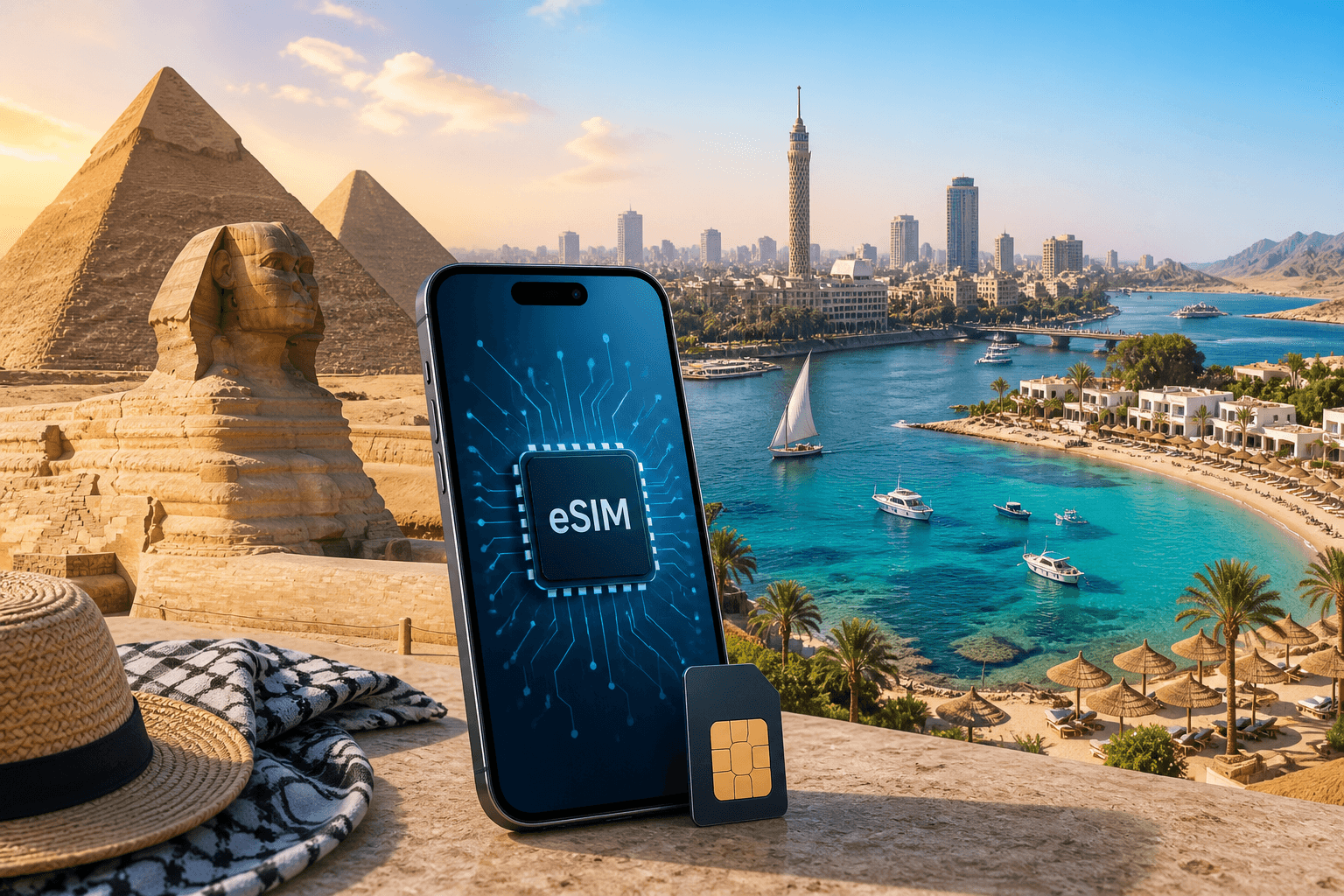
Egypt is a good eSIM destination if your goal is reliable data without dealing with local SIM registration. Coverage is strongest in Cairo, the Nile valley, and Red Sea resorts like Hurghada and Sharm El Sheikh; it drops in the Western Desert and the Sinai interior.
If you want a ready-made option, BeeSim sells data-only eSIM plans for Egypt (and regional bundles) that you can install before you fly and activate on arrival when the eSIM first connects to a network in Egypt. See the destination page: Egypt eSIM.
Which eSIM plans and prices to expect for Egypt (USD, 2026)
These are the catalog facts for Egypt plans (prices charged in US dollars; the site may show an estimated amount in your currency):
- 9 plans total, priced from $9.00 to $20.67
- Data sizes available: 1, 3, 4, 5, 10, 20 GB
- Validity options: 5, 7, 15, 30 days
Known plan examples (Egypt):
- 1 GB / 7 days — $9.00
- 5 GB / 30 days — $13.13
- 10 GB / 30 days — $15.51
- 20 GB / 30 days — $20.67
How to pick quickly:
- If you mainly need maps, ride-hailing, messaging, and light browsing, start with a smaller plan and keep Wi‑Fi on in hotels.
- If you’ll be uploading a lot of photos/videos, using hotspot for a laptop, or you don’t want to think about usage, choose one of the larger 30‑day options.
- If you run out of data, plan for a second purchase: BeeSim plans currently can’t be topped up. When data is used, you install a new plan as a second eSIM.
Regional alternatives (useful if Egypt is one stop on a longer trip):
- Middle East & North Africa bundle
- Africa (21 areas) bundle
What mobile internet is like in Cairo vs Hurghada vs Sharm El Sheikh
Egypt has multiple mobile networks: Vodafone Egypt, Orange, e& and WE. With a travel eSIM, your phone connects to one of these partner networks (which one can vary by provider and location).
What to expect by area:
- Cairo: Strong overall coverage. You’ll generally have usable data throughout the city, including common tourist areas. Congestion can still happen in dense neighborhoods and at peak times, so keep offline maps downloaded.
- Hurghada (Red Sea): Resort areas are covered. Data is usually fine for navigation, booking, and social apps. If you’re heading far out of town (desert excursions), expect gaps.
- Sharm El Sheikh (Red Sea): Covered in and around the resort zones. The moment you leave the main corridors, coverage can thin out.
Where coverage is not something to count on:
- Western Desert
- Sinai interior (outside built-up areas)
Practical prep that matters more than plan size:
- Download offline maps for Cairo and your resort area.
- Save hotel confirmations and tickets offline.
- If you’re doing long road trips or desert tours, plan for stretches with no data rather than trying to “buy more GB.”
Local SIM vs roaming eSIM in Egypt: registration, passports, and phone rules
A local SIM in Egypt typically involves passport checks and registration. There are also import registration rules that can affect foreign phones. Those two things are the main reasons many travellers prefer a roaming eSIM.
a roaming eSIM is not affected by the local import registration rules that can impact foreign phones.
Trade-offs to understand:
- A travel eSIM is data-only. Calls and SMS don’t come through the eSIM like a traditional local number.
- You can still use your usual number by keeping your physical SIM (or primary eSIM) active for calls/SMS if your carrier allows it, while sending all data through the Egypt eSIM.
With BeeSim specifically: it’s data-only, so calls and texts go through apps (WhatsApp, Telegram, FaceTime, etc.) over mobile data, and your own SIM can stay in the phone for its number.
App calling in Egypt: what works and what to do when voice calls don’t
In Egypt, calls in WhatsApp and similar apps have been restricted at times. That can mean voice/video calling is unreliable even when your data connection is fine.
What usually still works:
- Messaging in chat apps
- Browsing and email
What to do if app calling isn’t working:
- Try switching between Wi‑Fi and mobile data (some hotels route traffic differently).
- If your phone supports it, toggle Airplane Mode on for 10 seconds, then off, to force a fresh network attach.
- Use alternatives inside the same app (voice notes instead of calls) or switch apps.
Don’t buy more data as your first “fix” for blocked calling. If restrictions are the cause, extra GB won’t change it.
How to set up an Egypt eSIM so it activates on arrival (and not before)
The cleanest workflow is: buy now, install on Wi‑Fi, then let it connect for the first time when you land.
BeeSim’s activation timing is built for that: the plan’s days start counting when the eSIM first connects at the destination, so you can install days before the trip while you’re still on Wi‑Fi.
Before you buy, check device compatibility: Compatible devices.
Installation basics (what matters regardless of phone brand):
- Install the eSIM while you have stable Wi‑Fi.
- Label it clearly (e.g., “Egypt data”) so you don’t select the wrong line later.
- Leave the eSIM turned on, but avoid letting it connect to a cellular network before you arrive (Wi‑Fi is fine).
On iPhone (settings to check on arrival):
- Settings → Cellular
- Tap your BeeSim eSIM line (label)
- Turn on Turn On This Line
- Turn on Data Roaming for that eSIM line
- Cellular Data → select the BeeSim eSIM as the data line
On Android (common settings names; menus vary):
- Settings → Network & internet → SIMs (or Connections → SIM manager)
- Select the eSIM
- Turn on the SIM
- Turn on Data roaming
- Set Mobile data to the eSIM
If the eSIM shows signal but you have no internet:
- Toggle Data roaming off/on once.
- Restart the phone.
- Check that your phone didn’t keep mobile data on your home SIM.
- As a last step, reset network settings (this will remove saved Wi‑Fi passwords on some devices).
How to keep your home number while using Egypt data
Most travellers want Egypt data without losing access to their normal number for bank codes, airline messages, or incoming calls.
A practical setup:
- Keep your home SIM enabled for the phone number (calls/SMS), but turn off data on that line.
- Set the Egypt eSIM as the cellular data line.
If your carrier charges heavily for roaming, also:
- Turn off Data Roaming on your home SIM.
- Consider enabling Wi‑Fi calling on your home line before you travel (if your carrier supports it), then rely on Wi‑Fi in hotels.
Hotspot and using more than one device
Hotspot matters in Egypt because hotel Wi‑Fi can be inconsistent.
BeeSim plans support hotspot, so you can share your phone’s connection with:
- a laptop for work
- a tablet
- a second phone
Two things to watch:
- Hotspot burns data quickly, especially with cloud backups and OS updates. Pause those before you tether.
- If you run out of data mid-trip, you’ll need to buy a new plan and install it as a second eSIM (no top-ups currently).
Buying, installing, and refunds: what to expect
If you want a straightforward purchase flow, BeeSim doesn’t require an account. You pay by card, Apple Pay, or Google Pay, then install by QR code or one tap on iPhone; the eSIM opens from the order link.
Refund rules to know before you install:
- Refunds apply to any eSIM that has not been installed.
- An installed eSIM is refundable only if it never worked.
For common eSIM questions (including setup and troubleshooting), keep this handy: FAQ.
More destinations
All destinations →Topics
Frequently asked questions
Will an Egypt eSIM give me a local Egyptian phone number?
No. Travel eSIMs like BeeSim are data-only; you use calling and messaging apps over data, while your own SIM can stay in the phone for its number.
Can I install the eSIM before I travel to Egypt?
Yes. With BeeSim, validity starts when the eSIM first connects in Egypt, so you can install it days early on Wi‑Fi.
Which networks will I use in Egypt?
Egypt’s networks include Vodafone Egypt, Orange, e& and WE. Your eSIM will connect to a partner network among these depending on the plan and location.
Is coverage good in Hurghada and Sharm El Sheikh?
The Red Sea resorts are covered. Expect the most consistent service in built-up resort areas; coverage can drop on desert excursions and in the Sinai interior.
What if WhatsApp calls don’t work in Egypt?
App calling has been restricted at times. Messaging and browsing generally work; if calls fail, try switching between Wi‑Fi and mobile data or use voice notes instead.
Can I top up if I run out of data?
Not currently. When data runs out, you buy a new plan and install it as a second eSIM.
Editorial Team
Guides and articles from our editorial team.
Related articles
- United Kingdom
eSIM for United Kingdom: Which UK Data Plan to Buy
Choose a UK eSIM by trip length and daily data use, then check the live price on the destination page before you buy.
Oct 17, 202611 min read5 views
- eSIM
What an eSIM Is and How to Use It for Travel
A simple guide to travel eSIM basics, phone checks, buying, installation, and what to switch on after landing.
Oct 14, 20263 min read3 views
- Portugal
eSIM for Portugal: which plan to buy before you land
Choose a Portugal eSIM by trip length and daily data use, from 3 GB / 30 days to 100 GB / 60 days. Install before flying.
Oct 13, 202610 min read
- travel data
How Much Mobile Data Do You Need Abroad for 7, 14 and 30 Days?
Use this travel data calculator to estimate 7, 14 or 30 days abroad by traveller type, then compare the result with eSIM plan sizes.
Oct 4, 20268 min read6 views
- France
eSIM France: which plan to buy for your trip
Compare France eSIM plans from $8.99, including 7, 14 and 30-day picks, data estimates, setup steps before landing and Europe bundle choices.
Oct 1, 202610 min read6 views
- Georgia
eSIM for Georgia in 2026: plans, prices, and coverage from Tbilisi to the mountains
A practical guide to using an eSIM for Georgia in 2026: what coverage to expect in Tbilisi, Batumi, highways and mountain regions, how BeeSim’s Georgia data plans are structured, and the exact phone settings that prevent the usual “no internet” surprises.
Sep 30, 20266 min read2 views