What an eSIM Is and How to Use It for Travel
A simple guide to travel eSIM basics, phone checks, buying, installation, and what to switch on after landing.
Published Oct 14, 20263 min read3 views
In this guide
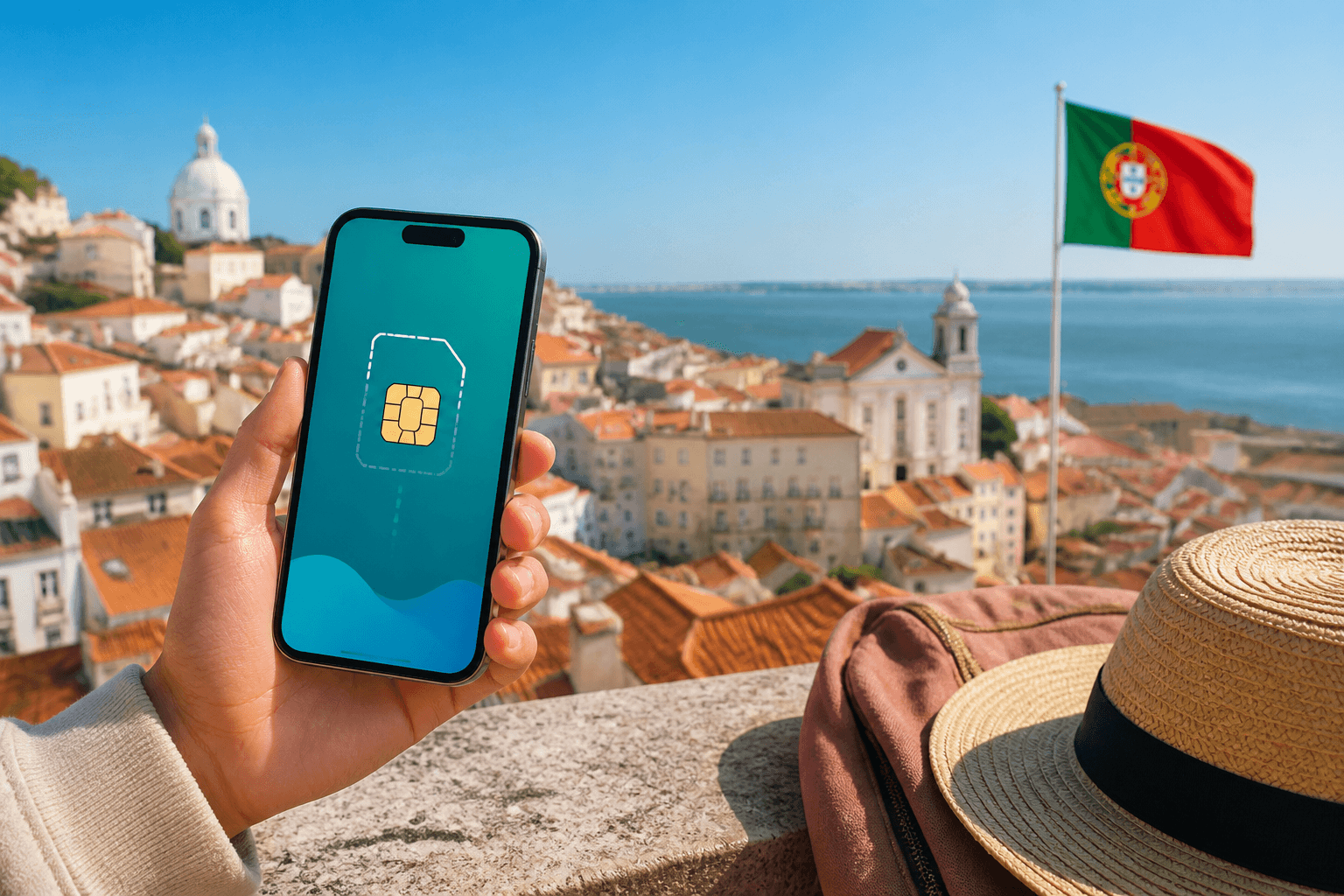
An eSIM is a digital SIM profile inside a compatible phone. For travel, it can add a separate mobile data line without replacing your normal number. This guide covers what to check before buying, how a BeeSim order works, how to install the profile, and what to change after landing.
What a travel eSIM does
Your normal SIM or primary eSIM usually holds your phone number. A travel eSIM adds a separate data line for the country or region you choose.
BeeSim plans are prepaid, data-only mobile data plans. They are one-time purchases with no subscriptions, no auto-renewal, and no contracts. Calls and messages can still work through apps like WhatsApp, Telegram, and FaceTime over the travel data.
Check your phone before buying
Before you buy, confirm that your phone supports eSIM and is not locked to one carrier.
On iPhone, open Settings, then General, then About. Look for Available SIM or Digital SIM.
On Android, open Network and internet, then SIMs, then Add eSIM. You can also dial *#06# and look for an EID. Menu names can differ by brand, but the phone needs eSIM support before a travel profile can be installed.
Choose and buy a plan
BeeSim offers prepaid data plans for 200+ countries and regions. You can use the website or the BeeSim app for iOS and Android. To start, choose your destination on beesim.space or in the app, then open the country, regional, or multi-country plan page where available.
Plan pages show the data amount and validity period before checkout. Some plans are fixed data, such as 3 GB for 30 days. Some destinations also have daily plans with a fixed amount of full-speed data each day.
Checkout accepts bank card or crypto. Prices are shown in the visitor’s currency, and the charge is in USD.
Get the details and install before travel
After payment, the eSIM is created and delivered digitally in seconds. The order page shows the QR code, manual activation details, and install buttons. The same details also appear in your account, in the app, and by email.
Install the eSIM before the trip while you have Wi-Fi. On iOS 17.4 or newer, use Install on this iPhone from the order page. Otherwise, add an eSIM in phone settings and scan the QR code from another screen. On Android, use SIMs, Add eSIM, or Samsung SIM manager.
After landing
After landing, turn the travel eSIM on and enable Data Roaming for it. This does not cost extra on a travel eSIM. Select the travel eSIM for mobile data, and keep home data turned off to avoid roaming charges. Your home SIM can stay available for calls and SMS.
For most plans, validity starts when the eSIM first connects to a network abroad. If there is no signal, check roaming, confirm the travel eSIM is selected for data, restart the phone, and try manual network selection.
Quick recap: an eSIM is a digital SIM profile for compatible phones, and a travel eSIM gives prepaid mobile data while your usual number stays where it is. Install it over Wi-Fi before the trip, then select it for data after landing.
More destinations
All destinations →Topics
Editorial Team
Guides and articles from our editorial team.
Related articles
- BeeSim vs Nomad
BeeSim vs Nomad: which travel eSIM to pick for 7 destinations
BeeSim vs Nomad across 7 destinations: plan sizes, unlimited rules, hotspot, top-ups, refunds and what to check before buying.
Oct 18, 202611 min read
- United Kingdom
eSIM for United Kingdom: Which UK Data Plan to Buy
Choose a UK eSIM by trip length and daily data use, then check the live price on the destination page before you buy.
Oct 17, 202611 min read5 views
- eSIM data
Unlimited eSIM vs Data Plan: Cheaper Break-Even
Use this break-even method to compare an unlimited daily eSIM with fixed GB plans for Thailand, Turkey and the UAE before you travel.
Oct 16, 202611 min read
- iPhone eSIM
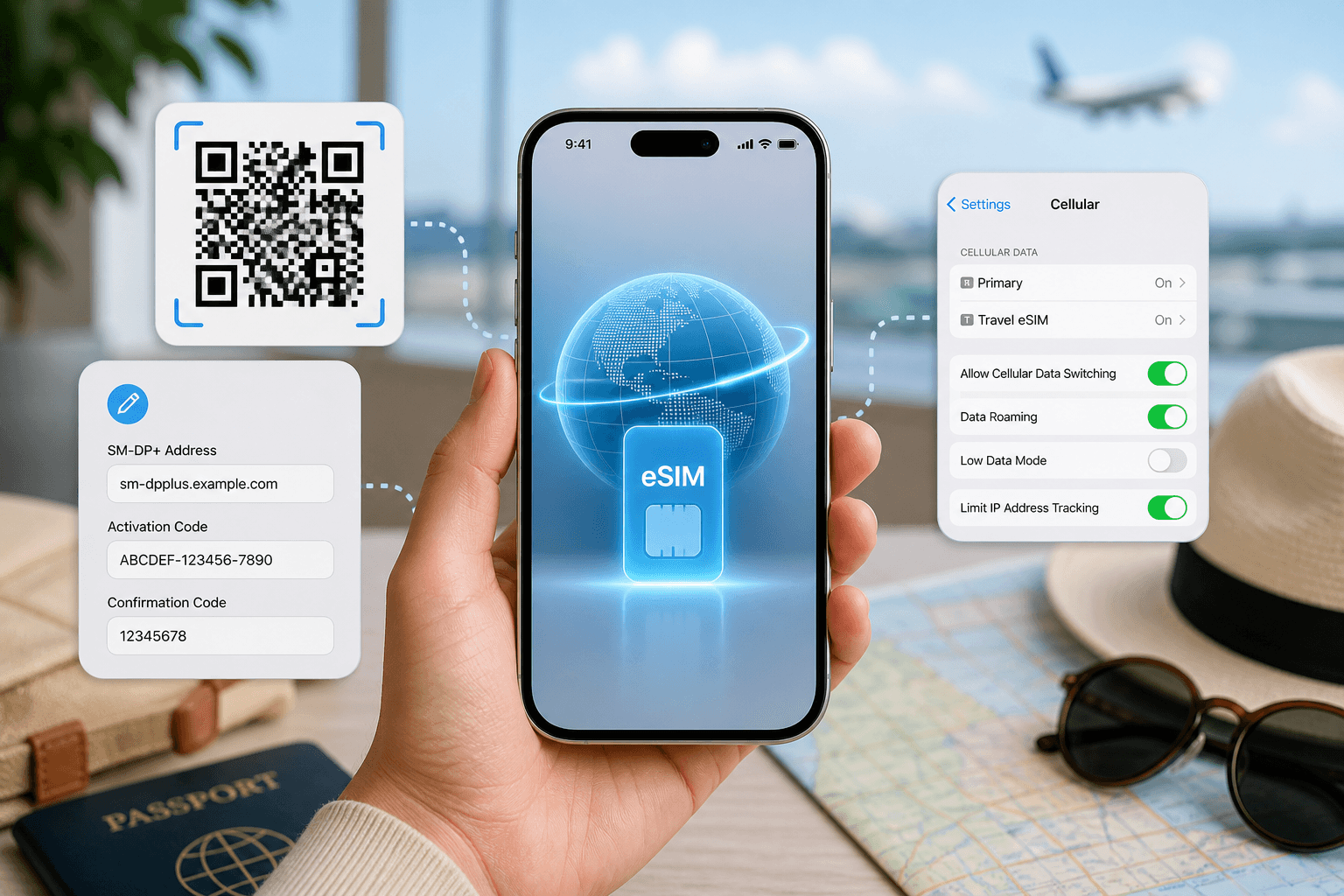
How to install a travel eSIM on iPhone: QR code, manual SM-DP+ entry, and the settings people miss
Install a travel eSIM on iPhone with QR or manual SM-DP+ entry, then set the travel line for data and turn roaming on when you arrive.
Oct 15, 20269 min read
- eSIM comparison
BeeSim vs Saily: 7 destinations, hotspot and refunds
Compare BeeSim and Saily across 7 destinations, with plan sizes, unlimited limits, hotspot rules, top-ups and refund checkpoints before you buy.
Oct 14, 20269 min read
- Portugal
eSIM for Portugal: which plan to buy before you land
Choose a Portugal eSIM by trip length and daily data use, from 3 GB / 30 days to 100 GB / 60 days. Install before flying.
Oct 13, 202610 min read