eSIM for Thailand in 2026: plans and prices for Bangkok, Phuket and the islands (and how to install before you land)
Thailand eSIM plans in 2026 range from 3 GB to 100 GB and $8.99 to $33.19, with common 30‑day options like 5 GB ($9.34), 10 GB ($10.50) and 20 GB ($12.79). Here’s how coverage differs between Bangkok, Phuket and the islands, which plan length to pick, and how to install an eSIM before you fly so it connects as soon as you arrive.
Updated Oct 6, 20267 min read1 views
In this guide
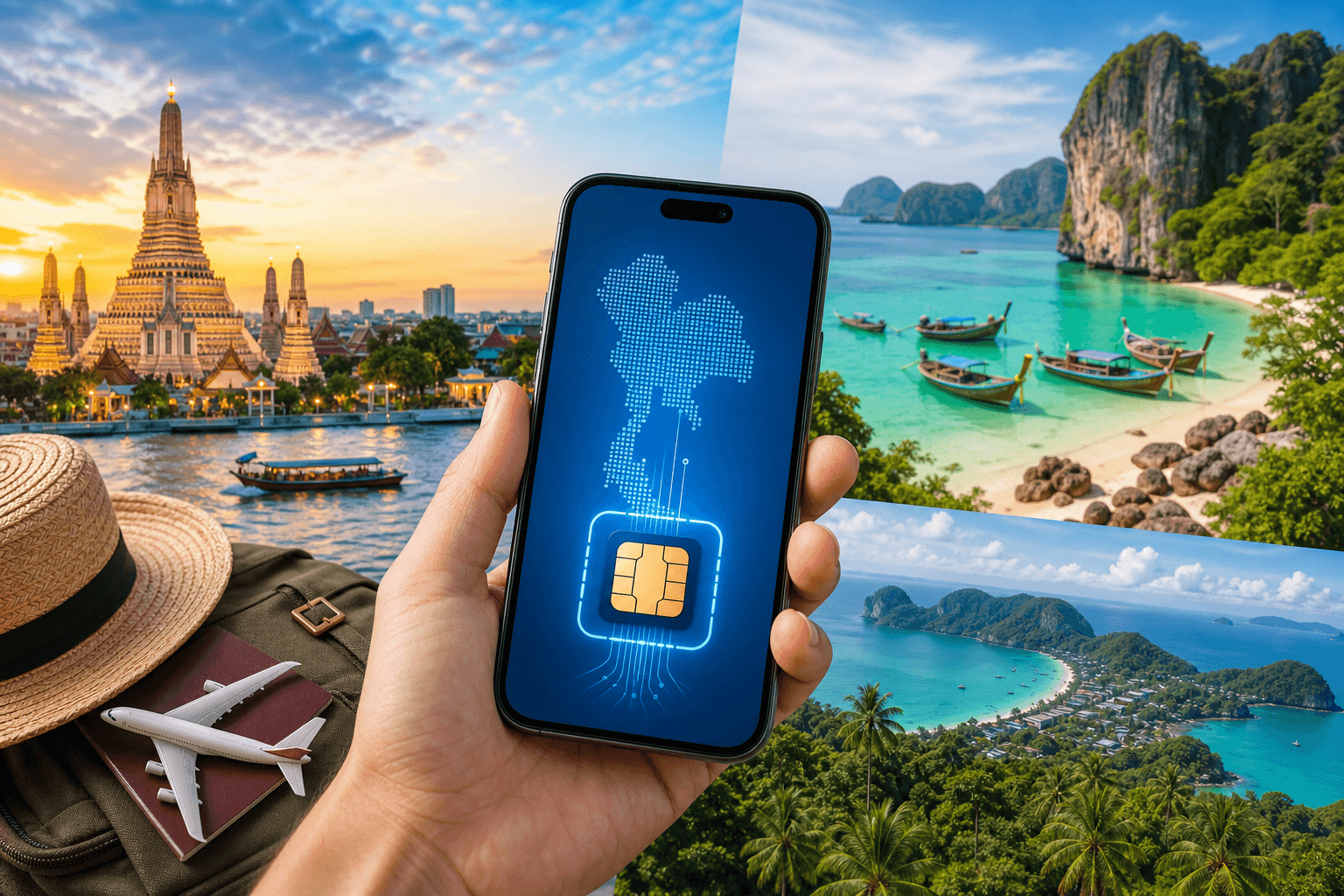
Thailand is an easy place to use an eSIM: strong mobile networks in cities, workable 4G on most tourist islands, and you can install your eSIM before you fly so it connects on arrival.
On BeeSim’s Thailand eSIM page, plans (as of 2026-09-30) run from $8.99 to $33.19, with 31 plans covering 3 GB to 100 GB and validity of 10, 20, 30, 60 or 180 days. Prices are charged in US dollars (the site can display them in your local currency).
What coverage looks like in Bangkok, Phuket, Chiang Mai and the islands
Thailand’s main mobile networks are AIS, True (which absorbed dtac in 2023) and NT. In practice, what matters is where you’ll be using data.
Bangkok
- Expect 5G widely in the city.
- If you’re relying on maps, ride-hailing, and messaging all day, you’ll feel the difference between small and mid-size data plans.
Phuket
- Phuket has 5G coverage in many areas.
- If you’re island-hopping from Phuket (Phi Phi, etc.), plan for short dead zones on the water.
Chiang Mai and the north
- Chiang Mai has 5G.
- In the north outside the city, you’ll often be on 4G, and signal can drop on mountain roads. Download offline maps before long drives.
Tourist islands (Gulf and Andaman)
- Many tourist islands have 4G.
- Signal drops on ferries between islands are normal. If you need to coordinate pickup times, send key messages before departure and keep screenshots of bookings.
Actionable tip: if you know you’ll be on ferries or mountain roads, set your essential apps to work offline where possible (Google Maps offline areas, saved hotel confirmations, downloaded tickets). That reduces the stress when coverage dips.
Thailand eSIM plans and prices in 2026 (what to buy for your trip)
If you’re choosing a plan for Thailand, start with two decisions:
- How many days you need (10/20/30/60/180 days are available).
- How much data you’ll actually use (plans span 3 GB to 100 GB).
Here are the concrete price points from the current catalog:
- 5 GB / 30 days — $9.34
- 10 GB / 30 days — $10.50
- 20 GB / 30 days — $12.79
- 1 day / 10 GB — $13.00 (useful for a short stopover day or a work-heavy day)
- Overall range: $8.99 to $33.19 across 31 plans
How to pick without overthinking it:
- Bangkok + remote work + lots of video calls: lean toward a larger 30-day plan (for example, 20 GB / 30 days at $12.79) so you’re not constantly watching your usage.
- Phuket + beach + light browsing: a mid plan often works; if you mostly message and use maps, 5–10 GB for a month can be enough.
- Island hopping: data use can spike because you’ll be checking ferry times, maps, and booking changes. If you tether a laptop, choose more data up front.
- One intense day (arrival day with navigation + bookings + hotspot): the 1-day / 10 GB option exists, but note it’s priced for convenience.
A practical constraint to plan around: BeeSim plans can’t be topped up. If you run out of data, you buy another plan and install it as a second eSIM. That’s not hard, but it’s easier if you leave room for a second eSIM in your phone’s eSIM storage.
When a regional bundle makes more sense than Thailand-only
If Thailand is one stop on a multi-country trip, a regional eSIM can be simpler than switching plans mid-route.
The regional bundles in the catalog are:
- Singapore & Malaysia & Thailand
- South East Asia (8 areas)
- Asia (7 areas)
Pick a regional bundle when:
- You’re flying into Bangkok but doing a side trip to Singapore or Kuala Lumpur.
- You want one data line to stay active across borders without reinstalling a new eSIM at each stop.
Pick Thailand-only when:
- You’re staying in Thailand for the whole trip and want the plan choices focused on local trip lengths.
How to install your Thailand eSIM before you land (and have it start on arrival)
You can install an eSIM before you travel while you’re still on Wi‑Fi, then let it connect when you reach Thailand.
With BeeSim, plan days start counting when the eSIM first connects at the destination, not when you buy it. That’s what makes “install ahead of time” worth doing.
Before you start:
- Check your phone supports eSIM on the compatible devices list.
- Make sure you have stable Wi‑Fi for installation.
- Keep your primary SIM in the phone if you want to continue receiving calls/SMS to your usual number (data-only eSIMs don’t replace your number).
Step-by-step: buy and install (no account needed)
- Open the Thailand page: Thailand eSIM.
- Choose a plan by days and GB.
- Checkout (BeeSim checkout doesn’t require an account). Pay by card, Apple Pay, or Google Pay.
- Open the order link after payment. Your eSIM details open from that link.
- Install using either:
- QR code (scan from another screen), or
- one-tap install on iPhone (when offered).
Label the eSIM so you don’t mix it up
During installation, your phone will ask you to name the plan/line. Use something obvious like “Thailand eSIM”.
Set it up to connect only when you arrive
Do this after installation, while you’re still at home:
- In your phone’s Cellular/Mobile settings, keep the Thailand eSIM line turned on, but set Cellular Data (the data line) to your normal SIM until you travel.
- Turn Data Roaming ON for the Thailand eSIM line shortly before landing or after you land. (Many travel eSIMs require roaming to be enabled to attach to partner networks.)
iPhone path (typical):
- Settings → Cellular → select your Thailand eSIM → Data Roaming → ON
- Settings → Cellular → Cellular Data → choose Thailand eSIM (when you want to start using it)
Android path (varies by brand):
- Settings → Network & internet → SIMs → select the eSIM → turn Mobile data ON and enable Roaming
- Under Mobile network, confirm the eSIM is the preferred line for data
If you want to keep your home number reachable:
- Leave your primary SIM enabled for calls/SMS.
- Use data-based calling and messaging apps (WhatsApp, Telegram, FaceTime) over the Thailand eSIM’s data.
Arrival checklist at BKK/DMK/HKT: get online fast without the airport SIM queue
At Thai airports, tourist physical SIMs often require passport scan and registration. An eSIM you installed earlier avoids that line.
When you land:
- Turn off Airplane Mode.
- Switch Cellular Data / Mobile data to the Thailand eSIM.
- Confirm Data Roaming is ON for the Thailand eSIM.
- Wait a minute for the network name to appear and for LTE/5G to show.
If it doesn’t connect:
- Toggle the Thailand eSIM line OFF/ON.
- Restart the phone.
- In network settings, try manual network selection and choose another available network (AIS / True / NT may appear depending on the plan and location).
Hotspot and multi-device use (laptop, tablet, travel router)
Hotspot matters in Thailand because hotel Wi‑Fi can be uneven, and you may want data in taxis, cafes, or on a day trip.
BeeSim plans support hotspot. A few practical tips:
- Turn on hotspot only when you need it; laptops can burn through data quickly with background sync.
- If you’ll tether for work, pick a larger data plan up front since you can’t top up the same plan later.
What to do when you run out of data mid-trip
Because BeeSim plans can’t be topped up, the clean approach is:
- Buy a new Thailand plan.
- Install it as a second eSIM.
- Set the new eSIM as your phone’s Cellular Data line.
Tip: keep the old eSIM installed until you’re sure the new one is working, then you can disable the old line to reduce confusion.
Refund rules you should know before you buy
BeeSim’s refund policy is straightforward:
- Refunds are available for any eSIM that has not been installed.
- If it has been installed, a refund is only possible if it never worked.
That’s another reason to install at home on Wi‑Fi: you can complete setup calmly and fix any device-side issues before you’re in transit.
For device compatibility and setup help, keep these open while you install: compatible phones and the FAQ.
More destinations
All destinations →Topics
Frequently asked questions
Can I install a Thailand eSIM before arriving?
Yes. You can install on Wi‑Fi before you travel; with BeeSim, validity starts when the eSIM first connects in Thailand.
What are the Thailand eSIM plan options and prices in 2026?
The catalog lists 31 plans from $8.99 to $33.19, with 3 GB to 100 GB and validity of 10, 20, 30, 60 or 180 days. Examples: 5 GB/30 days $9.34, 10 GB/30 days $10.50, 20 GB/30 days $12.79, and 1 day/10 GB $13.00.
Which networks are used in Thailand?
Thailand’s main networks are AIS, True (which absorbed dtac in 2023), and NT.
Will I get 5G in Bangkok and Phuket?
5G is available in Bangkok and Phuket (and also Chiang Mai and Pattaya). Many tourist islands and some northern areas are more often 4G.
Does an eSIM replace my phone number for calls and texts?
No. BeeSim plans are data-only; calls and SMS go through apps over data, while your own SIM can stay in the phone for your usual number.
Can I top up if I run out of data?
Not currently. If you run out, you purchase a new plan and install it as a second eSIM, then switch your phone’s data line to the new eSIM.
Editorial Team
Guides and articles from our editorial team.
Related articles
- United Kingdom
eSIM for United Kingdom: Which UK Data Plan to Buy
Choose a UK eSIM by trip length and daily data use, then check the live price on the destination page before you buy.
Oct 17, 202611 min read5 views
- eSIM
What an eSIM Is and How to Use It for Travel
A simple guide to travel eSIM basics, phone checks, buying, installation, and what to switch on after landing.
Oct 14, 20263 min read3 views
- Portugal
eSIM for Portugal: which plan to buy before you land
Choose a Portugal eSIM by trip length and daily data use, from 3 GB / 30 days to 100 GB / 60 days. Install before flying.
Oct 13, 202610 min read
- multi-country travel
eSIM for multiple countries: regional or country plans?
Regional eSIMs suit border-hopping trips; country plans suit longer single-country stays. Use route, days and data use to choose before you install.
Oct 5, 202610 min read5 views
- travel data
How Much Mobile Data Do You Need Abroad for 7, 14 and 30 Days?
Use this travel data calculator to estimate 7, 14 or 30 days abroad by traveller type, then compare the result with eSIM plan sizes.
Oct 4, 20268 min read6 views
- France
eSIM France: which plan to buy for your trip
Compare France eSIM plans from $8.99, including 7, 14 and 30-day picks, data estimates, setup steps before landing and Europe bundle choices.
Oct 1, 202610 min read6 views