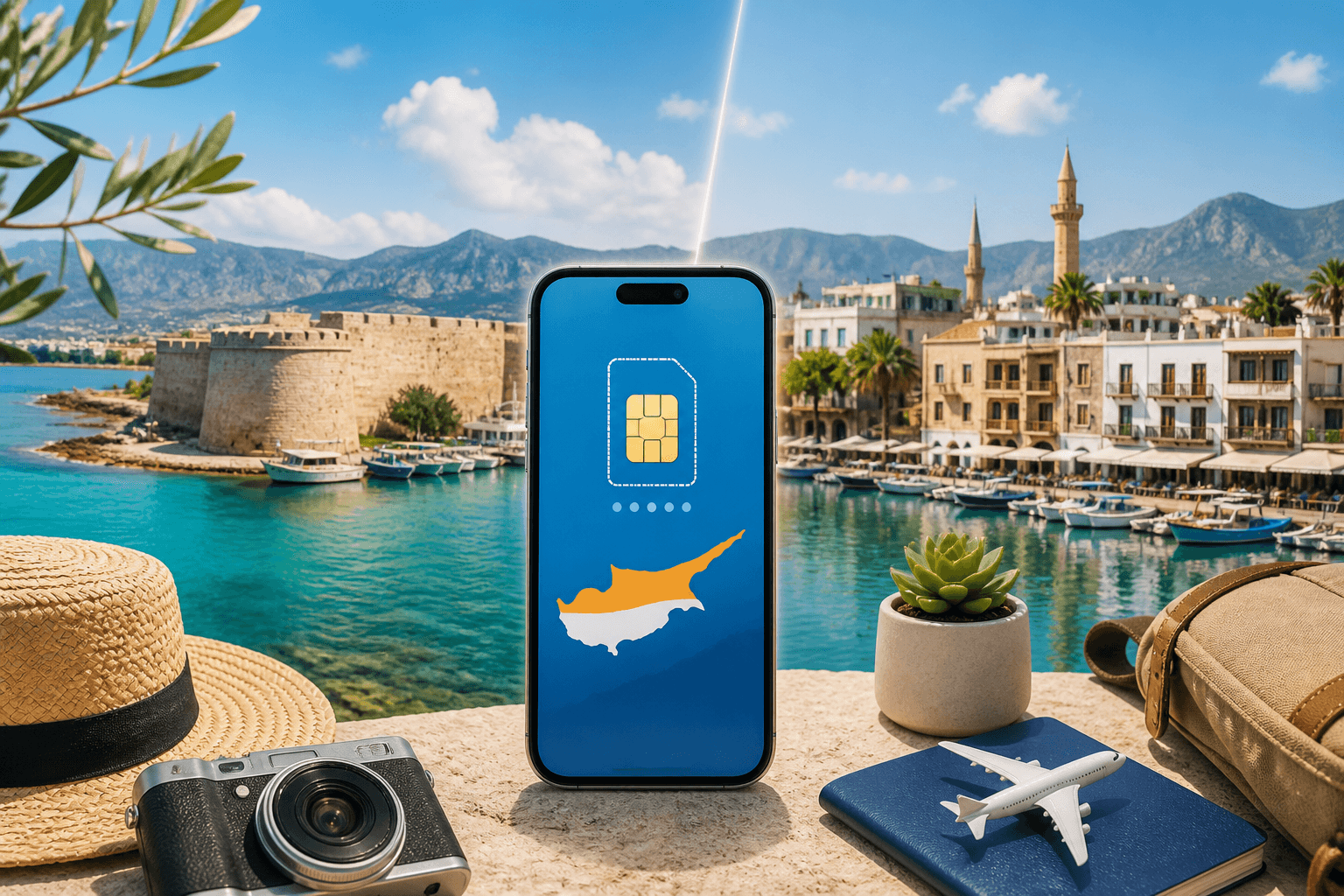
eSIM for Cyprus in 2026: plans, prices, and the north–south difference travellers miss
Cyprus eSIM coverage is straightforward in the Republic of Cyprus, where Cyprus plans connect to Vodafone, PrimeTel, and Epic 5G networks. The part that catches travellers is the Green Line: Northern Cyprus is a different roaming case, so do not assume a Europe plan will keep working after you cross.
Published Oct 28, 202614 min read
In this guide
Cyprus is easy to cover with an eSIM if you stay in the Republic of Cyprus. The risk is assuming the same plan will behave the same way after you cross the Green Line into Northern Cyprus.
Use a Cyprus plan for Paphos, Limassol, Larnaca, Nicosia, Ayia Napa, and most standard holiday routes. If you plan to visit the north, check the included countries and learn how to lock your phone to the right network before you travel.
Which part of Cyprus are you visiting (and why it changes your eSIM choice)
For most visitors, “Cyprus” means the Republic of Cyprus: the south of the island, the main international airports at Larnaca and Paphos, and the resort areas most holidaymakers use. Cyprus eSIM plans in the BeeSim catalogue connect there to Vodafone, PrimeTel, and Epic, all listed with 5G support.
That does not mean you will see 5G everywhere. Your phone, the local cell site, building materials, terrain, and congestion all affect the icon in the status bar. In a hotel basement or a stone village house, LTE can be more stable than a weak 5G signal. If pages load normally, do not chase the icon; if data stalls, toggle Airplane mode for 10 seconds or manually select another supported network.
Northern Cyprus is the part that needs extra care. It is not a normal EU roaming case for travellers, even though it is on the same island. A Europe regional plan may be fine in the Republic of Cyprus and then stop working when the phone attaches to a northern network. If you are crossing for a day trip to Kyrenia/Girne, Famagusta, or the northern side of Nicosia, treat it as a separate coverage check rather than a short local detour.
Before you buy, write down your actual route. A week in Protaras with a taxi transfer from Larnaca is simple. A road trip from Paphos through the Troodos mountains and then across the Green Line needs offline maps, manual network selection, and a plan check for the north.
eSIM plans and prices for Cyprus (2026)
The Cyprus catalogue has two useful plan types: fixed-data plans and daily plans. The fixed-data set includes 1 GB for 7 days, 3 GB for 30 days, 5 GB for 30 days, 10 GB for 30 days, 20 GB for 30 days, and 50 GB for 180 days.
Daily plans work differently. Cyprus has 17 daily options with 500 MB, 1 GB, 2 GB, 3 GB, 5 GB, or 10 GB of full-speed data per day, available across plan lengths from 1 to 30 days. After the daily allowance is used, the speed drops.
This article does not print plan prices because live prices belong on the destination page, where they can change without leaving stale figures in a guide. Use the destination page to compare the current price, validity, and allowance side by side: Cyprus eSIM.
The practical difference is simple. A fixed-data plan gives you one bucket of data for the whole validity period. If you buy 10 GB for 30 days, every map search, message, app update, and hotspot session comes out of the same allowance. A daily plan gives you a daily full-speed allowance. It is better when your usage is uneven but predictable: for example, you need a large amount of data every workday, or you want navigation and social apps without worrying that one heavy day will drain the whole trip allowance.
Validity matters as much as data size. The plan validity starts when the eSIM first connects to a network in Cyprus, not when you buy it. The eSIM must be installed within 180 days of purchase. That makes advance setup sensible: buy before departure, install on Wi-Fi, and let the clock start only when the phone attaches after arrival.
Cyprus is also included in several Europe regional plan groups: Europe covering 31 areas, Europe covering 33 areas, Europe covering 30+ areas, and Europe covering 35 areas. Pick one of these only when Cyprus is part of a wider itinerary. If you are flying into Larnaca and staying only in Cyprus, a Cyprus-specific plan is usually the cleaner comparison.
How to choose the right plan for your trip length and usage
Start with the number of days, then choose the data model. Do not start with the biggest allowance unless you know you will use hotspot or stream often. Unused mobile data is still unused money.
For a short stay, the 1 GB for 7 days fixed plan is the light-use option. It suits messaging, boarding passes, ride-hailing, restaurant searches, and occasional map checks. It is not a good fit if you plan to use video calls, upload many photos over mobile data, or tether a laptop.
For a normal one- to four-week trip, the 30-day fixed plans are the easiest to understand. Choose 3 GB or 5 GB if your hotel or apartment Wi-Fi will handle video and app updates. Choose 10 GB or 20 GB if you expect daily navigation, social apps, cloud photo backup, or regular hotspot use. Choose the 50 GB for 180 days plan only if you are staying longer, returning within the validity window, or need a larger buffer over time.
Daily plans are better for a different pattern. If you work remotely from Cyprus and need predictable mobile backup every day, a daily allowance can protect the rest of the trip from one bad Wi-Fi day. If you use the full-speed daily allowance, the plan does not necessarily cut off; speed drops after the allowance. That is fine for messaging in many cases, but it can be frustrating for video calls, hotspot work, large uploads, and live navigation with heavy map loading.
A good buying method is to list your high-data moments before choosing:
- Airport arrival, maps, and messaging on day one.
- Driving days, especially outside the main towns.
- Remote-work days when hotel Wi-Fi may fail.
- Hotspot sessions for a laptop or tablet.
- Any planned crossing into Northern Cyprus.
If two plans look close, choose based on the failure mode. Running out of fixed data means you need another plan. Hitting a daily allowance means reduced speed after that day’s full-speed data is used. For a family or group, do not assume one phone can carry everyone on hotspot all day; tethering drains battery and puts all travellers behind one connection.
The north–south roaming trap: how to avoid losing data when crossing the Green Line
The most common Cyprus eSIM problem is not a bad plan. It is a phone choosing a network you did not mean to use.
In the Republic of Cyprus, a Cyprus plan should look for the supported local networks. Near the Green Line, on high ground, or close to the coast facing another network footprint, your phone may show more than one operator. Automatic network selection usually makes a reasonable choice, but it is not thinking about your travel plan. It is trying to attach to a usable signal.
Before crossing into Northern Cyprus, open your plan details and check the country list. If your plan only covers Cyprus or Europe areas that include the Republic of Cyprus, do not assume it includes the north. If the plan description separately includes Turkey or a northern coverage note, then follow that plan’s instructions. If it does not, prepare for data to stop once the phone leaves the covered network.
Use manual network selection before you cross if you want to stay attached to the Republic of Cyprus side for as long as possible.
On iPhone:
- Open Settings.
- Tap Cellular or Mobile Data.
- Tap the travel eSIM line.
- Tap Network Selection.
- Turn off Automatic.
- Choose a supported network shown in the plan details, such as Vodafone, PrimeTel, or Epic when available.
On Android, the wording depends on the brand:
- Open Settings.
- Go to Network and internet, Connections, or SIMs.
- Select the travel eSIM.
- Open Mobile network or Network operators.
- Turn off automatic network selection.
- Wait for the scan, then choose a supported operator.
If the phone cannot hold the selected network, it will show no service or drop data. That usually means you are outside that network’s practical coverage. Switch back to automatic only if you are prepared for the phone to attach to another network and for the plan to fail if that network is not included.
If you are already in the north and data does not work, do this in order: confirm mobile data is set to the travel eSIM, turn Data Roaming on for that eSIM, toggle Airplane mode, then run a manual network scan. If no listed network matches the plan’s covered operators or countries, the fix is not another settings change; you need a plan that covers where you are standing.
How to set up your Cyprus eSIM so your normal number still works
The clean setup is to keep your usual SIM or primary eSIM available for calls and SMS, then send mobile data through the Cyprus eSIM. This matters for bank verification messages, airline alerts, and people who still call your regular number.
Install the eSIM while you have stable Wi-Fi. Do not wait until the baggage hall if you can avoid it; airport Wi-Fi can be busy, captive portals can break QR-code loading, and a tired traveller is more likely to tap the wrong line. Because Cyprus plan validity starts at first network connection in Cyprus, advance installation does not by itself start the plan clock. Remember the separate rule: install within 180 days of purchase.
On iPhone, after installation:
- Go to Settings → Cellular.
- Name the line something obvious, such as Cyprus data.
- Open Cellular Data and select the Cyprus eSIM.
- Leave your normal line selected for Default Voice Line if you want calls and SMS there.
- Turn off Allow Cellular Data Switching if you do not want the phone using your home line for data.
- Open the Cyprus eSIM line and turn Data Roaming on.
On Android:
- Go to Settings → Network and internet or Connections.
- Open SIMs or SIM manager.
- Select the Cyprus eSIM for Mobile data.
- Keep your regular SIM selected for calls and SMS if needed.
- Open the Cyprus eSIM settings and turn Roaming on.
- If the phone asks which SIM to use for a call, choose your regular line unless you use an internet calling app.
After landing, give the phone a minute to attach. If nothing happens, toggle Airplane mode. If that fails, restart the phone, confirm the eSIM line is on, and check that mobile data did not fall back to your home SIM. A common mistake is installing the eSIM correctly but leaving mobile data assigned to the wrong line.
For hotspot, test before you rely on it for work. On iPhone, use Settings → Personal Hotspot → Allow Others to Join. On Android, use Settings → Network and internet → Hotspot and tethering, or Connections → Mobile Hotspot and Tethering. If a laptop connects but has no internet, check the phone first: the hotspot cannot share data that the phone itself is not receiving.
Coverage expectations in Cyprus (where it’s strong, where it’s patchy)
In the main cities and resort areas of the Republic of Cyprus, coverage is usually the least complicated part of the trip. Larnaca, Paphos, Limassol, Nicosia, Ayia Napa, Protaras, and the main coastal roads are the places where travellers can normally expect the phone to attach without much effort.
The harder areas are predictable: mountains, rural roads, beaches below cliffs, underground car parks, and thick-walled older buildings. The Troodos mountains deserve special planning. Signal can change quickly as the road bends, and a navigation app that works in one village may stall after the next climb.
Before a mountain drive, save the route for offline use. In Google Maps, search Cyprus or the area you need, tap the place panel, then choose Download offline map if the option is available. In Apple Maps, open the map area, tap your profile picture, choose Offline Maps, then download the area you need on supported devices. Also save your hotel address, parking location, booking references, and any trail notes as screenshots or files.
If you need dependable data for work, do not schedule a video call from a remote viewpoint or a moving car. Use mobile data as a backup, but plan the call from a town, hotel, café, or coworking space where you can test the connection first. If the phone shows a strong signal but apps will not load, switch between 5G Auto and LTE in your phone’s mobile network settings; a stable LTE connection can outperform a weak 5G one.
Before you buy: check your phone supports eSIM
Check eSIM support before paying for any plan. The fastest method is to check the device list here: Compatible phones. Model names are not enough on their own because some regional variants have different SIM hardware.
On iPhone, go to Settings → General → About and look for an EID. An EID usually means the phone has eSIM hardware. You can also open Settings → Cellular and look for Add eSIM. If the phone is carrier-locked, it may still block travel eSIM use even when eSIM hardware is present.
On Android, open Settings and search for eSIM, SIM manager, or Add SIM. Some phones show Download a SIM instead. If you cannot find the option, check the exact model code in Settings → About phone and compare it with the compatibility list. Dual-SIM Android phones vary more by region than iPhones, so the model code matters.
Also check how many eSIMs your phone can store and how many can be active. Many phones can store several eSIM profiles but use only one or two lines at a time. If you already have a work eSIM and a personal eSIM, make sure you can add the Cyprus plan without deleting something you still need.
Buying and refund rules that matter when you’re planning ahead
Buy close enough to travel that your plan choice reflects the real trip, but early enough to install and test the setup on Wi-Fi. The Cyprus terms give you 180 days to install after purchase, and validity starts at the first connection to a local network in Cyprus.
Before paying, check four things on the live plan page: the data amount, the validity period, whether it is fixed-data or daily, and the covered destination list. For a Cyprus-only holiday, the Cyprus page is the right starting point. For a multi-country trip, compare the Europe regional options that include Cyprus: Europe with 31 areas, 33 areas, 30+ areas, or 35 areas.
Do not buy a Europe regional plan just because it sounds broader. Broader is useful only when it covers the countries you will actually visit. If your trip is Cyprus plus Greece, a Europe plan may be practical. If your trip includes a Green Line crossing, the question is not Europe in general; it is whether the plan covers the network you will use in the north.
Keep the installation email or order page available offline, at least as a screenshot. If you change phones before the trip, do not assume the eSIM can simply move like an app login. Install the plan on the phone you will carry, and do not delete the eSIM profile unless the support instructions tell you to.
For setup errors, line switching, and QR-code problems, use the help page before reinstalling anything: FAQ. Reinstalling is rarely the first fix; most arrival problems come from roaming being off, the wrong SIM being selected for mobile data, or the phone staying on automatic network selection near the Green Line.
FAQ
Does a Europe eSIM cover Cyprus?
Europe regional plans in the catalogue include Cyprus in several area groups, so they can be a good fit when Cyprus is one stop on a wider trip. Check the live country list before buying because the area count alone does not tell you how the plan treats every border case.
Will my eSIM work in Northern Cyprus?
Do not assume it will. Open the plan’s covered countries before you cross the Green Line; if the north or Turkey is not included, your phone may show signal but have no usable data.
Should I choose a fixed-data plan or a daily plan?
Choose fixed data when your usage is light or easy to estimate across the whole trip. Choose a daily plan when you want a fresh full-speed allowance per day and can accept reduced speed after the daily allowance is used.
When does the plan start counting days?
The validity starts when the eSIM first connects to a network in Cyprus. Buying or installing it at home does not start the validity period, but the eSIM must be installed within 180 days of purchase.
Why does my phone show signal but no internet?
The usual causes are mobile data assigned to the wrong SIM, data roaming switched off for the eSIM, or the phone attached to a network not covered by the plan. Check those three items before deleting or reinstalling the eSIM.
Can I use hotspot with a Cyprus eSIM?
You can use your phone’s hotspot if the phone itself has working mobile data. If connected devices have no internet, test browsing on the phone first, then check that the travel eSIM is selected for mobile data and roaming is on.
More destinations
All destinations →Topics
Frequently asked questions
Does a Europe eSIM cover Cyprus?
Europe regional plans in the catalogue include Cyprus in several area groups, so they can work for the Republic of Cyprus. Check the live country list before buying, especially if you will cross the Green Line.
Will my eSIM work in Northern Cyprus?
Not automatically. If the plan does not include the northern network area or Turkey, your phone may show signal but have no usable data.
Should I choose a fixed-data plan or a daily plan?
Choose fixed data when you want one allowance for the whole validity period. Choose a daily plan when you prefer a daily full-speed allowance and can accept reduced speed after that allowance is used.
When does the plan start counting days?
The plan validity starts when the eSIM first connects to a network in Cyprus. The eSIM still needs to be installed within 180 days of purchase.
Why does my phone show signal but no internet?
Check that mobile data is assigned to the travel eSIM, data roaming is on for that line, and the phone is attached to a network covered by the plan. Near the Green Line, manual network selection can prevent the phone choosing the wrong operator.
Can I use hotspot with a Cyprus eSIM?
Yes, if the phone has working mobile data. If a laptop connects to the hotspot but cannot load pages, fix the phone’s own data connection first.
BeeSim Editorial
Travel eSIM guides from the BeeSim team: activation, coverage caveats, and the mistakes that strand travellers.
Editorial policyRelated articles
- Turkey
Buy Turkey eSIM in 2026: local SIM rules, networks, and install
How to buy a Turkey eSIM in 2026 without airport queues: passport and 120-day phone rules for local SIMs, Turkcell and Vodafone coverage, and install steps before you fly.
Oct 29, 202612 min read2 views
- South Korea
eSIM for South Korea: plans, setup, subway and KTX coverage
South Korea eSIM plans cover fixed data up to 50 GB and daily options up to 10 GB per day, with setup steps plus subway and KTX notes.
Oct 28, 20268 min read
- Indonesia
eSIM for Indonesia and Bali in 2026: plans, prices, and the IMEI rule a travel eSIM avoids
Indonesia’s IMEI blocking affects imported phones that use a local SIM without customs registration. A travel eSIM is a roaming profile, so the block doesn’t apply—while still giving you data on Telkomsel, Indosat, XL or 3 in Bali, Java, Lombok and beyond.
Oct 28, 202613 min read
- France
eSIM for France in 2026: plans, prices, and coverage in Paris, on the TGV, and in the countryside
A practical guide to choosing a France eSIM in 2026: plan sizes and prices, what coverage is like in Paris, on TGV routes, and in rural areas, plus setup steps and troubleshooting.
Oct 28, 20269 min read
- eSIM
eSIM for Portugal: plans, coverage, setup
Portugal eSIM guide with 6 fixed-data plans, daily options, Lisbon and Porto 5G notes, Madeira/Azores coverage, setup and fixes.
Oct 28, 20269 min read1 views
- eSIM
eSIM for India: plans, Jio questions, setup and local SIM paperwork
India eSIM plans include 9 fixed-data choices and 15 daily options. See what to check if you are not a Jio user or already requested Jio eSIM.
Oct 28, 202610 min read