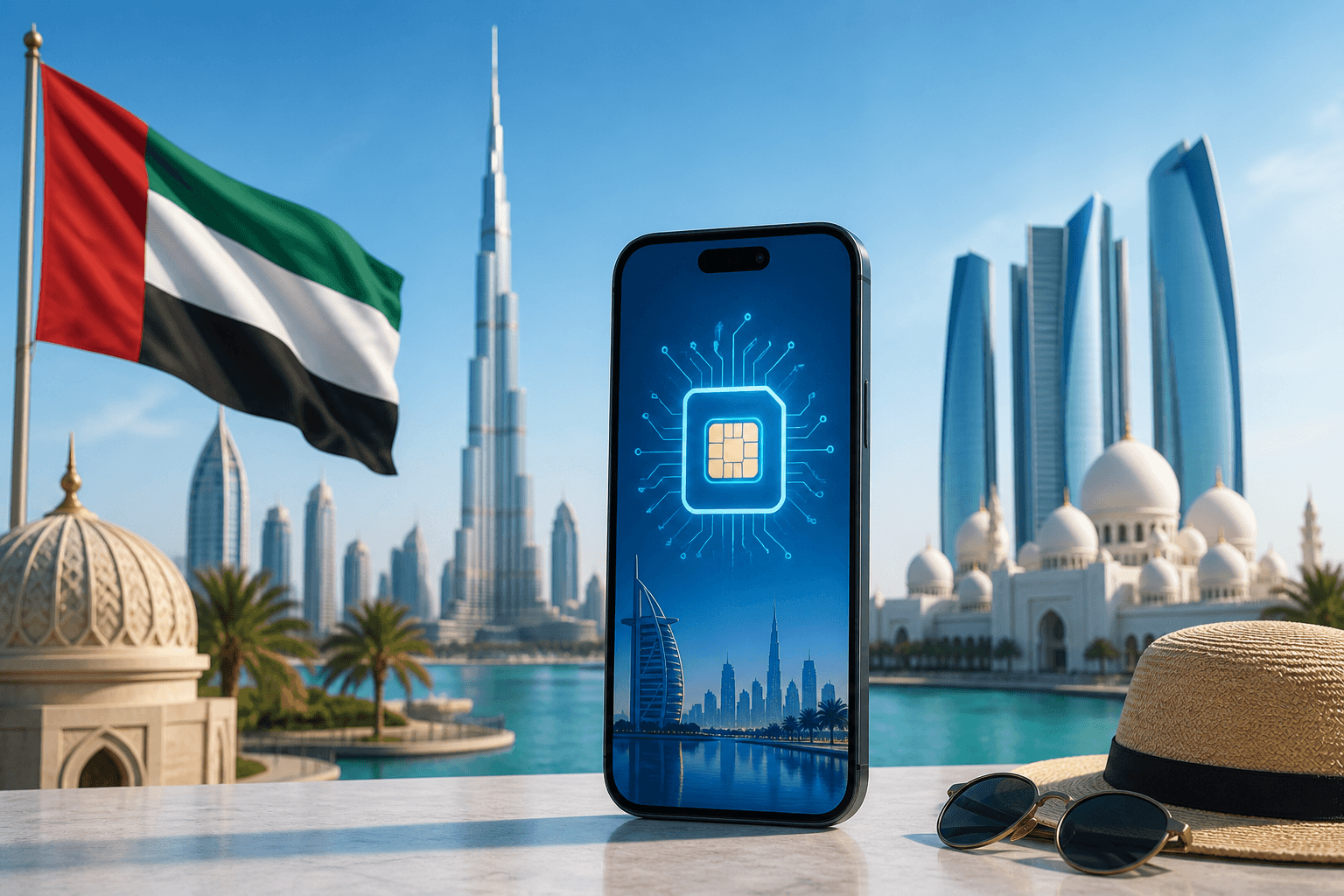
eSIM for the UAE in 2026: Dubai and Abu Dhabi plans, prices, and what works (and what’s blocked)
UAE mobile data is fast and widely available, but VoIP calling is restricted on local networks. Here’s what a travel eSIM can do in Dubai and Abu Dhabi in 2026, what it can’t, and how to pick a plan by trip length and data use.
Updated Oct 6, 20268 min read1 views
In this guide
UAE data coverage is straightforward: you’ll typically be on e& (Etisalat) or du, with 5G in Dubai, Abu Dhabi, and Sharjah and 4G across the emirates. What catches travelers out is not speed—it’s app calling. Voice and video calls in WhatsApp, FaceTime, and most VoIP apps are blocked on UAE networks by regulation. Messaging works.
A travel eSIM can be a clean way to get online without buying a local SIM (which generally requires an Emirates ID or a passport with a visa stamp). But it won’t guarantee that WhatsApp/FaceTime calling will work—sometimes it does because traffic exits abroad, and sometimes it doesn’t. Plan for it not to.
If you want a data-only eSIM you can install before you fly, BeeSim sells UAE plans on the destination page: United Arab Emirates eSIM.
Which eSIM plan sizes and prices exist for the UAE (2026)
BeeSim’s UAE catalog (as of 2026-09-30) includes 12 plans priced from $9.00 to $75.76 (charged in USD; the site may display your currency). Data sizes available are 1, 3, 4, 5, 7, 8, 10, 20, and 50 GB. Validity options are 7, 15, 20, 30, 60, or 180 days.
Here are the specific price points you can anchor your decision on:
- 1 GB / 7 days — $9.00
- 5 GB / 30 days — $12.95
- 10 GB / 60 days — $16.74
- 20 GB / 30 days — $23.74
How to choose between them (practical rules):
- Pick 1 GB / 7 days if you mainly need maps, ride-hailing, and messages, and you’ll be on hotel Wi‑Fi most of the time.
- Pick 5 GB / 30 days for a typical Dubai/Abu Dhabi week where you’ll use navigation, social, and occasional hotspot.
- Pick 10 GB / 60 days if you’re doing a longer stay, multiple stopovers, or you don’t want to watch your usage every day.
- Pick 20 GB / 30 days if you expect heavy use: lots of video, frequent hotspot to a laptop, or you just don’t want to think about data.
Two details that matter in real life:
Validity is about days, not hours, and you should still treat it as a deadline. If your plan is 30 days, don’t buy it for a 6‑week trip unless you’re happy to install another eSIM partway through.
Plans are data-only. Calls and SMS (if you need them) go through apps over data, or through your primary SIM number if you keep it active.
What works in Dubai and Abu Dhabi (and what’s blocked)
You can assume these will work on UAE mobile networks:
- Web browsing, email, banking apps
- Maps and navigation
- Messaging in WhatsApp/Telegram/iMessage and similar apps
- Photo uploads, social media, streaming (data allowing)
- Hotspot/tethering (BeeSim plans support hotspot)
What is commonly blocked on UAE networks by regulation:
- WhatsApp voice calls and video calls
- FaceTime audio/video
- Most VoIP calling apps (voice/video)
Important nuance for travelers: a travel eSIM sometimes gets around VoIP blocks because the data traffic may exit the region differently than a local SIM’s traffic. But it’s inconsistent and must not be relied on. If calling matters for work or family, set up backups before you land:
- Use messaging-first workflows (voice notes, text, file sharing).
- Have a non-VoIP fallback (for example, a regular phone call via your home number/roaming, if you can accept the cost).
- Test your calling apps on arrival, on both cellular and Wi‑Fi. Some hotels or offices may have different network policies than mobile networks.
Dubai vs Abu Dhabi: what changes for eSIM users
For most travelers, the difference is less about the city and more about where you are during the day.
- Dubai and Abu Dhabi: 5G is available, so you may see very high speeds in busy areas. Your phone will fall back to 4G as needed.
- Across the emirates: 4G coverage is widely available.
What you can do to keep performance stable:
- If your phone supports it, keep 5G Auto (iPhone) or 5G/4G Auto (Android). If battery is a problem, prefer 4G/LTE.
- In very dense areas (malls, events), a stable 4G connection can feel better than a weak 5G signal that keeps switching.
eSIM vs local SIM in the UAE: the real trade-offs
A local UAE SIM can be great, but it’s not always frictionless.
Local SIM reality check:
- A local SIM requires an Emirates ID or a passport with a visa stamp.
- You’re on a local operator network (e&/du), which means you should expect the standard VoIP restrictions.
Travel eSIM reality check:
- You keep your physical SIM in your phone for your number, while using the eSIM for data.
- Setup is remote and fast: with BeeSim you don’t need an account; you pay by card, Apple Pay, or Google Pay, then install via QR code or one tap on iPhone from the order link.
- It’s data-only. If you need traditional voice/SMS, you’ll use your primary SIM or apps.
If your main goal is “get online immediately at DXB/AUH and don’t deal with paperwork,” a travel eSIM is usually the cleanest path.
How to check your phone is eSIM-compatible before you buy
Do this before you pay, especially if your phone is carrier-locked.
- Confirm your model supports eSIM: check BeeSim’s compatibility list at Devices.
- Confirm your phone is unlocked. A locked phone may refuse to add an eSIM or may block it from connecting.
- Make sure you have a way to view the QR code on a second screen (laptop/tablet) if you’re not using one-tap installation.
If you’re traveling with two phones, consider installing the eSIM on the phone you’ll actually carry outside—hotspot is useful, but it’s still easier when your primary device has the data.
How to install an eSIM for the UAE and avoid the common mistakes
The easiest way to avoid day-one problems is to install before you fly, while you’re on Wi‑Fi.
With BeeSim, the plan’s days start counting when the eSIM first connects at the destination, so you can install it days early without burning validity.
Install on iPhone (practical path)
- Open the BeeSim order link and use the one-tap install (if offered), or scan the QR code.
- In Settings → Cellular, you’ll see the new plan. Give it a label like “UAE eSIM.”
- Set Cellular Data to “UAE eSIM.”
- Leave your primary SIM enabled for your number if you need iMessage/FaceTime tied to it or you need to receive SMS.
- Turn on Data Roaming for the eSIM line (many travel eSIMs require it): Settings → Cellular → UAE eSIM → Data Roaming → On.
Install on Android (practical path)
Menu names vary by brand, but the flow is similar:
- Go to Settings → Network & internet / Connections → SIMs.
- Choose Add eSIM and scan the QR code.
- Set the eSIM as the mobile data SIM.
- Enable Data roaming for the eSIM.
Two settings that fix most “no internet” issues
- Data roaming for the eSIM line: turn it on.
- Make sure mobile data is assigned to the eSIM: if your phone keeps using your home SIM for data, you’ll either have no data or you’ll roam on your home plan.
How to use your home SIM number while using the UAE eSIM for data
This is the setup most travelers want: keep your number reachable, but don’t pay roaming data prices.
- Keep your home SIM active (for your number).
- Set the UAE eSIM as the data line.
- Turn off data roaming on your home SIM to avoid accidental roaming charges.
If you rely on SMS one-time codes, keeping your home SIM enabled can help. Just remember: receiving SMS is one thing; using your home SIM for data is what gets expensive.
What to do when you run out of data (and how top-ups work)
BeeSim plans currently can’t be topped up. When you run out of data, you buy a new plan and install it as a second eSIM.
Two practical tips:
- Don’t delete the first eSIM until you’re sure you won’t need it for troubleshooting or receipts.
- Label each eSIM clearly (“UAE 5GB”, “UAE 20GB”) so you don’t accidentally pick the empty line for data.
When a regional eSIM bundle makes more sense than UAE-only
If the UAE is one stop on a multi-country trip, consider a regional plan instead of juggling separate eSIMs.
BeeSim offers regional bundles that may include the UAE:
- Gulf Region
- GCC (6 areas)
- Middle East
The advantage is simple: one eSIM, fewer switches in settings as you cross borders.
Refund rules you should know before buying
Refunds are simple but strict:
- Any eSIM that has not been installed can be refunded.
- An installed eSIM is refundable only if it never worked.
So if you’re unsure, wait to install until you’re committed—or buy close to departure and keep it uninstalled until your plans are firm.
Where to buy and what to do right after purchase
Buy from the UAE destination page: United Arab Emirates eSIM. You don’t need an account. After checkout, open the order link and install the eSIM on Wi‑Fi.
Then, before you fly:
- Confirm the eSIM appears in your cellular/SIM list.
- Label it “UAE eSIM.”
- Set it as your data line (you can switch back until departure).
- Save the order link somewhere you can reach offline (or screenshot the QR code on a second device).
If you get stuck on install, start with the compatibility list: Devices. For policy questions (refunds, activation timing), use the FAQ.
More destinations
All destinations →Topics
Frequently asked questions
Will WhatsApp or FaceTime calling work in the UAE with an eSIM?
On UAE networks, WhatsApp and FaceTime voice/video calls are blocked by regulation, and most VoIP apps are affected. A travel eSIM sometimes gets around this because traffic may exit abroad, but it’s inconsistent—don’t rely on it.
Can I install my UAE eSIM before I travel?
Yes. With BeeSim, the plan’s days start counting when the eSIM first connects at the destination, so you can install it in advance while on Wi‑Fi.
Do I need an Emirates ID to buy a UAE SIM?
A local UAE SIM generally requires an Emirates ID or a passport with a visa stamp. A travel eSIM avoids that in-person ID step.
Does hotspot work with a UAE travel eSIM?
Yes, hotspot works on BeeSim plans, so you can share your data connection with a laptop or another device.
Can I top up a BeeSim UAE plan if I run out of data?
Not currently. When data runs out, you buy a new plan and install it as a second eSIM.
What if I need data in the UAE and nearby countries too?
Consider a regional bundle such as Gulf Region, GCC (6 areas), or Middle East so you can use one eSIM across multiple destinations instead of switching plans.
Editorial Team
Guides and articles from our editorial team.
Related articles
- United Kingdom
eSIM for United Kingdom: Which UK Data Plan to Buy
Choose a UK eSIM by trip length and daily data use, then check the live price on the destination page before you buy.
Oct 17, 202611 min read5 views
- eSIM
What an eSIM Is and How to Use It for Travel
A simple guide to travel eSIM basics, phone checks, buying, installation, and what to switch on after landing.
Oct 14, 20263 min read3 views
- Portugal
eSIM for Portugal: which plan to buy before you land
Choose a Portugal eSIM by trip length and daily data use, from 3 GB / 30 days to 100 GB / 60 days. Install before flying.
Oct 13, 202610 min read
- travel data
How Much Mobile Data Do You Need Abroad for 7, 14 and 30 Days?
Use this travel data calculator to estimate 7, 14 or 30 days abroad by traveller type, then compare the result with eSIM plan sizes.
Oct 4, 20268 min read6 views
- France
eSIM France: which plan to buy for your trip
Compare France eSIM plans from $8.99, including 7, 14 and 30-day picks, data estimates, setup steps before landing and Europe bundle choices.
Oct 1, 202610 min read6 views
- Thailand
eSIM for Thailand in 2026: plans and prices for Bangkok, Phuket and the islands (and how to install before you land)
Thailand eSIM plans in 2026 range from 3 GB to 100 GB and $8.99 to $33.19, with common 30‑day options like 5 GB ($9.34), 10 GB ($10.50) and 20 GB ($12.79). Here’s how coverage differs between Bangkok, Phuket and the islands, which plan length to pick, and how to install an eSIM before you fly so it connects as soon as you arrive.
Sep 30, 20267 min read1 views