South East Asia eSIM in 2026: one plan for Thailand, Vietnam, Malaysia, Singapore and more — prices and coverage
A 2026 guide to using one regional eSIM across South East Asia: what countries are covered, current plan sizes and prices in USD, how coverage works on local networks, and when a single-country plan is the better buy.
Updated Oct 29, 20268 min read
In this guide
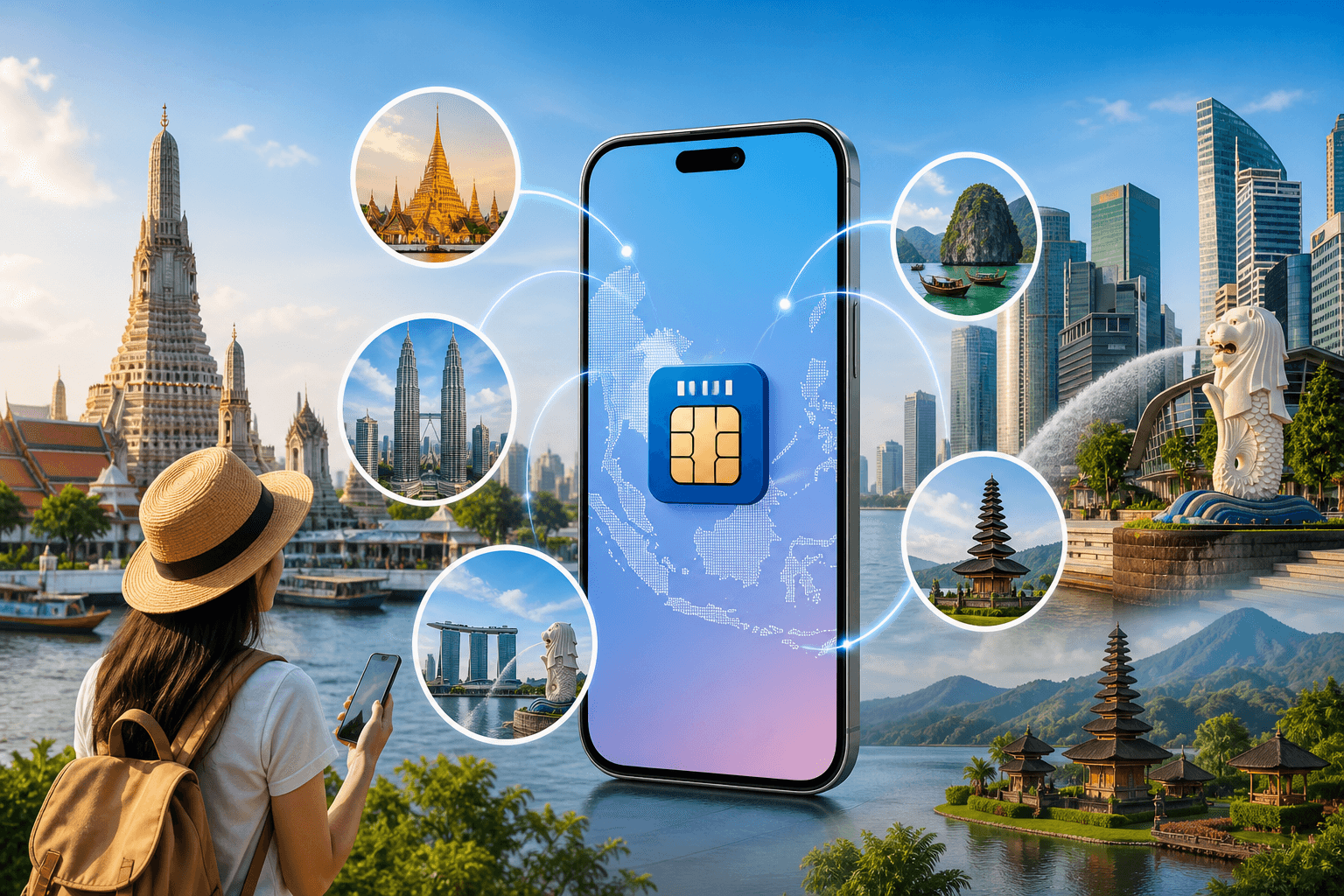
One regional eSIM is the simplest way to stay online when your trip crosses borders. In 2026, the South East Asia regional bundle covered by BeeSim works across Cambodia, Indonesia, Laos, Malaysia, Philippines, Thailand, Timor-Leste, and Vietnam — so you can keep the same eSIM line and data plan as you move between those countries.
You can see the plan options on the destination page: South East Asia eSIM. Prices are charged in USD (the site can display them in your currency).
Which countries are covered (and what “one plan across borders” really means)
The regional plan in this catalog covers:
- Cambodia
- Indonesia
- Laos
- Malaysia
- Philippines
- Thailand
- Timor-Leste
- Vietnam
If your itinerary is built around these stops — overland routes, multi-city flights, or island-hopping, one regional eSIM means you don’t need to buy and install a new eSIM at each border. You keep one eSIM profile in your phone and it connects to a local partner network in each country.
Two practical implications:
- You may see different network names in each country. That’s normal. Your phone is attaching to a local carrier under the same eSIM plan.
- Your speed and coverage can change by country (and by city). Each country has different partner networks and radio conditions.
If you specifically need Singapore: the country list above is what’s included in this regional plan. Singapore is often a key stop on SEA trips, but it’s not part of the covered countries in the catalog facts provided here, so check your itinerary against the list before you buy.
2026 prices, data sizes, and validity (USD)
This South East Asia regional eSIM catalog has 7 plans, with live prices shown on the destination page, data sizes from 1 GB to 20 GB, and validity of 7, 15, or 30 days.
Here are the examples provided in the brief (USD):
- 1 GB / 7 days
- 5 GB / 30 days
- 10 GB / 30 days
- 20 GB / 30 days
- 1-day plan: 10 GB
How to choose quickly:
- Pick 7 days if you’re doing a short hop (e.g., one week split across two countries).
- Pick 30 days if you’re moving around and don’t want to watch the calendar.
- The 1-day 10 GB option is for heavy use on a single day (work calls over Wi‑Fi alternatives, tethering, big uploads). It’s usually not the best fit for normal travel browsing because the clock is tight.
BeeSim sells data-only eSIM plans. Your calls and texts run through apps (WhatsApp, Telegram, FaceTime, etc.) over that data, while your physical SIM can stay in the phone for your usual number.
How coverage works in each country (and why networks can differ)
A regional eSIM is one plan, but it doesn’t mean one single carrier everywhere. Your phone will connect to a local network partner in each country, and the available networks can differ.
The brief calls out common local networks travelers will recognize:
- Thailand: AIS / True
- Vietnam: Viettel
- Malaysia: Maxis / CelcomDigi
- Singapore: Singtel
What to do with that information:
- Don’t panic if your phone shows a different carrier name after landing. That’s expected when the eSIM switches partner networks.
- If you have weak signal, manually try another network (when allowed). On iPhone and Android you can typically switch from “Automatic” to manual network selection and try the other available carriers.
Action steps (iPhone):
- Settings → Cellular (or Mobile Data)
- Tap the eSIM line you’re using for travel
- Network Selection → turn off Automatic
- Wait for the list → try another network
Action steps (Android, wording varies):
- Settings → Network & internet → SIMs
- Tap the eSIM
- Carrier / Network operators
- Disable Automatically select network → choose another operator
If you’re passing through Singapore: the brief mentions Singtel as a local network example, but the catalog country list for this regional plan doesn’t include Singapore. If Singapore is a must-have stop, you’ll want a plan that explicitly includes it.
When a single-country eSIM is a better buy than a regional plan
A regional plan is about convenience across borders. A single-country plan can be better when you want maximum value or when your trip is basically one country with a short transit elsewhere.
Choose a single-country plan instead when:
- You’re staying in one country almost the whole time. If most of your nights are in Thailand (or Vietnam, etc.), a local plan is often cheaper per GB.
- You need the strongest domestic coverage in one country. Single-country plans may have different roaming arrangements and can behave differently in rural areas.
- You’re visiting a country that’s not on the regional list. A regional plan only helps if it includes your stops.
Choose the South East Asia regional plan when:
- You’re doing multi-country travel (e.g., Thailand → Cambodia → Vietnam) and don’t want to reinstall eSIMs.
- You want one data line that keeps working after each border crossing.
If you’re shopping on BeeSim, you can compare the regional option on the South East Asia eSIM page against single-destination plans for your main stop.
How to install the eSIM before you fly (and when the days start counting)
With BeeSim you don’t need an account. You pay by card, Apple Pay, or Google Pay, then install via QR code or (on iPhone) one tap from the order link.
The key timing detail: plan days start counting when the eSIM first connects at the destination, not when you install it. That means you can install at home on Wi‑Fi, leave the eSIM turned off, then turn it on after landing.
A practical setup that avoids surprises:
- Install the eSIM on Wi‑Fi the day before you fly.
- Keep your normal SIM as your default for calls and SMS.
- Turn the travel eSIM line off until you land.
- After landing, turn the travel eSIM line on and set it as your mobile data line.
Check device support before you buy: Compatible phones.
The settings that most often break data (and how to fix them)
Most “my eSIM doesn’t work” cases are a settings mismatch. Fix these in order.
How to set the eSIM as your data line
iPhone
- Settings → Cellular (Mobile Data)
- Cellular Data → select your travel eSIM
- Turn Cellular Data Switching off if you want to force data to stay on the eSIM
Android
- Settings → Network & internet → SIMs
- Select the eSIM
- Set it as the preferred SIM for Mobile data
How to turn on data roaming for the eSIM line
Regional plans behave like roaming because they attach to local partner networks.
iPhone
- Settings → Cellular → tap the eSIM line
- Data Roaming → On
Android
- Settings → Network & internet → SIMs → tap the eSIM
- Roaming → On
If you can’t get online after landing
Work through this checklist:
- Toggle Airplane Mode on/off.
- Confirm Mobile Data is on for the eSIM line.
- Confirm Data Roaming is on for the eSIM line.
- Try manual network selection (Automatic off) and pick another available carrier.
- Restart the phone.
If you’re using a dual-SIM setup (your home SIM + eSIM), also check that your phone didn’t keep data on the wrong line.
Hotspot, top-ups, and what happens when you run out of data
- Hotspot works. You can tether a laptop or a second phone from your eSIM data.
- No top-ups right now. If you run out of data, you buy a new plan and install it as a second eSIM.
Practical tip: label your lines (e.g., “SEA eSIM”) so you don’t pick the wrong one when you install another plan.
Refund rules to know before you buy
BeeSim refunds:
- Any eSIM that has not been installed.
- An installed eSIM only if it never worked.
If there’s any chance you’ll cancel your trip, wait to install until your dates are firm. You can still buy ahead of time, but installation is the point after which refunds become limited.
For common setup questions, see FAQ.
FAQ
Does this South East Asia regional eSIM include Singapore?
The covered country list in the catalog facts is Cambodia, Indonesia, Laos, Malaysia, Philippines, Thailand, Timor-Leste, and Vietnam. Singapore isn’t on that list, so don’t assume it’s included.
Can I keep my usual phone number while using the eSIM for data?
Yes. BeeSim plans are data-only; you can keep your physical SIM in the phone for your number, and use WhatsApp/Telegram/FaceTime over the eSIM data.
Can I install the eSIM before my trip without starting the validity period?
Yes. The days start when the eSIM first connects at the destination, so you can install in advance while on Wi‑Fi.
Will hotspot/tethering work with the regional plan?
Yes. Hotspot works, so you can share the eSIM data to another device.
What if I run out of data mid-trip?
Plans can’t be topped up right now. You’ll need to buy a new plan and install it as a second eSIM, then switch your phone’s mobile data to the new line.
Where do I check if my phone supports eSIM?
Use the compatibility list here: Compatible phones.
More destinations
All destinations →Topics
Frequently asked questions
Does this South East Asia regional eSIM include Singapore?
The covered country list in the catalog facts is Cambodia, Indonesia, Laos, Malaysia, Philippines, Thailand, Timor-Leste, and Vietnam. Singapore isn’t on that list, so don’t assume it’s included.
Can I keep my usual phone number while using the eSIM for data?
Yes. BeeSim plans are data-only; you can keep your physical SIM in the phone for your number, and use WhatsApp/Telegram/FaceTime over the eSIM data.
Can I install the eSIM before my trip without starting the validity period?
Yes. The days start when the eSIM first connects at the destination, so you can install in advance while on Wi‑Fi.
Will hotspot/tethering work with the regional plan?
Yes. Hotspot works, so you can share the eSIM data to another device.
What if I run out of data mid-trip?
Plans can’t be topped up right now. You’ll need to buy a new plan and install it as a second eSIM, then switch your phone’s mobile data to the new line.
Where do I check if my phone supports eSIM?
Use the compatibility list here: /devices.
BeeSim Editorial
Travel eSIM guides from the BeeSim team: activation, coverage caveats, and the mistakes that strand travellers.
Editorial policyRelated articles
- Turkey
Buy Turkey eSIM in 2026: local SIM rules, networks, and install
How to buy a Turkey eSIM in 2026 without airport queues: passport and 120-day phone rules for local SIMs, Turkcell and Vodafone coverage, and install steps before you fly.
Oct 29, 202612 min read2 views
- South Korea
eSIM for South Korea: plans, setup, subway and KTX coverage
South Korea eSIM plans cover fixed data up to 50 GB and daily options up to 10 GB per day, with setup steps plus subway and KTX notes.
Oct 28, 20268 min read
- Indonesia
eSIM for Indonesia and Bali in 2026: plans, prices, and the IMEI rule a travel eSIM avoids
Indonesia’s IMEI blocking affects imported phones that use a local SIM without customs registration. A travel eSIM is a roaming profile, so the block doesn’t apply—while still giving you data on Telkomsel, Indosat, XL or 3 in Bali, Java, Lombok and beyond.
Oct 28, 202613 min read
- France
eSIM for France in 2026: plans, prices, and coverage in Paris, on the TGV, and in the countryside
A practical guide to choosing a France eSIM in 2026: plan sizes and prices, what coverage is like in Paris, on TGV routes, and in rural areas, plus setup steps and troubleshooting.
Oct 28, 20269 min read
- eSIM
eSIM for Portugal: plans, coverage, setup
Portugal eSIM guide with 6 fixed-data plans, daily options, Lisbon and Porto 5G notes, Madeira/Azores coverage, setup and fixes.
Oct 28, 20269 min read1 views
- eSIM
eSIM for India: plans, Jio questions, setup and local SIM paperwork
India eSIM plans include 9 fixed-data choices and 15 daily options. See what to check if you are not a Jio user or already requested Jio eSIM.
Oct 28, 202610 min read