BeeSim vs Airalo: prices, unlimited rules, hotspot and refunds
BeeSim vs Airalo compared for 7 destinations: 5 GB prices, unlimited rules, hotspot, top-ups and refund handling before you buy.
Updated Oct 6, 202610 min read5 views
In this guide
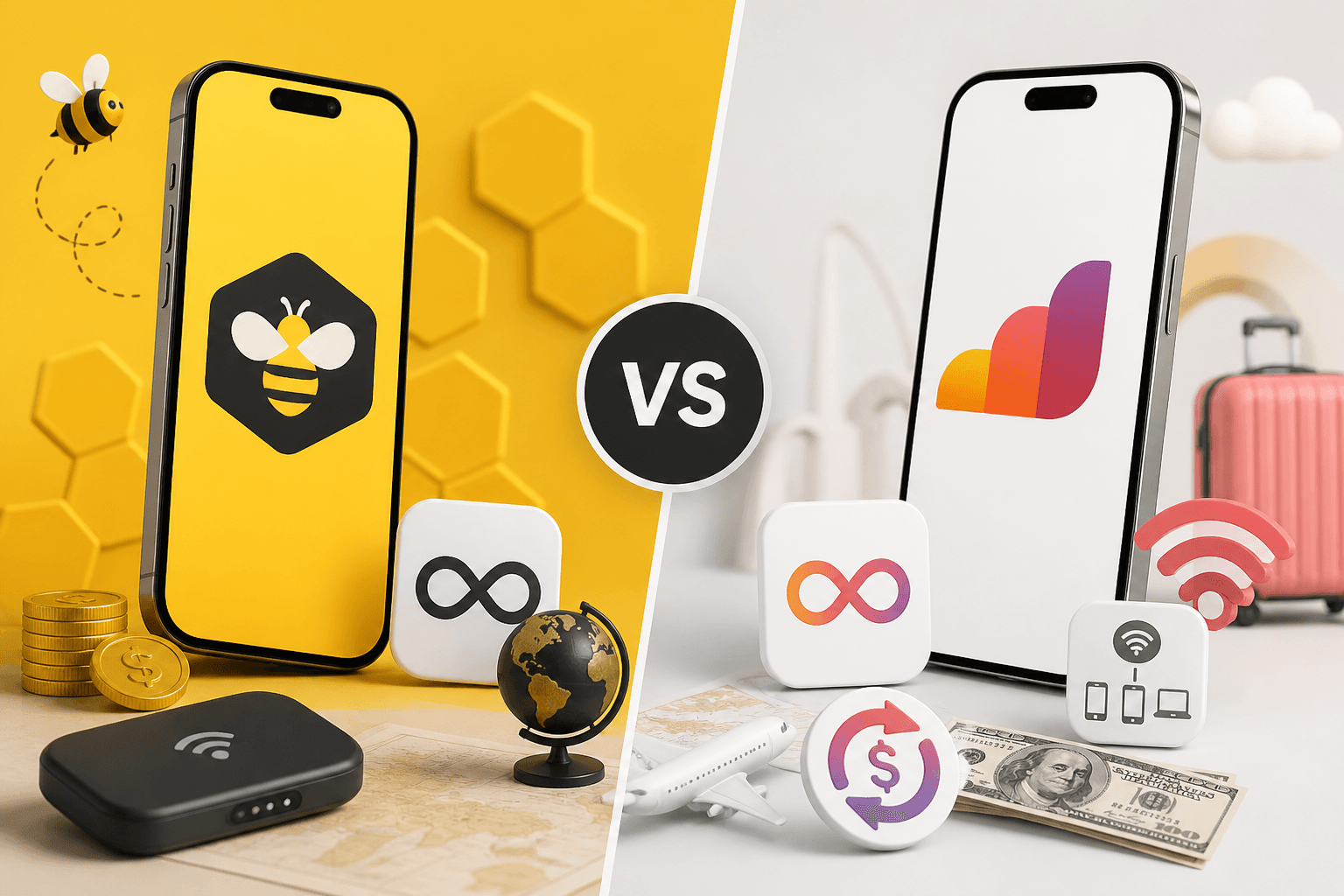
Pick BeeSim if the live destination page gives you the better price for the data amount you need, especially on the United States or Japan plans in this comparison. Pick Airalo if you specifically need top-ups on most eSIMs, its unlimited-data rule, or hotspot stated as available with no limit.
The price answer is not one-sided. Airalo is cheaper on the listed Turkey, Thailand, United Arab Emirates, Spain and Europe plans; BeeSim is cheaper on the listed Japan and United States plans. Prices in the table were checked on Airalo on 2026-09-30 and in the BeeSim catalog on 2026-10-01; the live plan list is always on the destination page before checkout.
Which brand is cheaper for the same trip?
The table compares the closest BeeSim plan to Airalo’s country plan of 5 GB / 30 days. Turkey is the only mismatch: BeeSim’s closest listed plan is 4 GB / 30 days, so do not treat that row as a pure like-for-like price comparison.
| Destination | BeeSim plan and price | Airalo plan and price | Cheaper listed option | What to notice before buying |
|---|---|---|---|---|
| Turkey | 4 GB / 30 days — $8.99 | 5 GB / 30 days — $10.00 | Airalo has more data for a higher price | BeeSim is lower in price but also lower in data on this row |
| Thailand | 5 GB / 30 days — $9.34 | 5 GB / 30 days — $8.00 | Airalo | Same data and validity in this comparison |
| United Arab Emirates | 5 GB / 30 days — $12.95 | 5 GB / 30 days — $12.00 | Airalo | Same data and validity in this comparison |
| Japan | 5 GB / 30 days — $9.99 | 5 GB / 30 days — $11.00 | BeeSim | Same data and validity in this comparison |
| Spain | 5 GB / 30 days — $9.35 | 5 GB / 30 days — $9.00 | Airalo | Same data and validity in this comparison |
| United States | 5 GB / 30 days — $9.70 | 5 GB / 30 days — $13.50 | BeeSim | Same data and validity in this comparison |
| Europe | 5 GB / 30 days — $18.96, Europe with 40+ areas | 5 GB / 30 days — $14.00, EUconnect with 28 countries | Airalo | Compare the country list, not only the price |
For a single-country trip, start with the destination page and match the data amount to your itinerary. For a regional trip, the Europe row needs extra care: Airalo’s listed plan is EUconnect with 28 countries, while BeeSim’s listed Europe plan covers 40+ areas. If your route includes a country outside one region list, the cheaper plan may become the wrong plan.
BeeSim prices are listed and charged in USD, with an estimated local-currency amount shown on the site. That estimate helps you read the price, but the checkout currency is USD.
Which one works better if you may need more data?
Airalo is stronger if you want the option to add data to the same eSIM, because top-ups are available on most Airalo eSIMs. That matters if your usage is unpredictable: maps running all day, video calls from a hotel with poor Wi-Fi, or a longer stay than planned.
BeeSim plans cannot be topped up. If you run out, you buy another plan. That is simple, but it changes how you should choose the starting plan: buy enough data for the trip rather than assuming you can extend the same package later.
A practical way to decide:
- If you know your trip length and want a fixed allowance, compare the exact destination plan prices.
- If you often extend trips or use data heavily, Airalo’s top-up model may be more convenient.
- If BeeSim is cheaper for your destination and your data need is predictable, buying the fixed plan can still be the cleaner choice.
For the plans in the table, the clearest fixed-price BeeSim advantages are Japan and the United States. The clearest Airalo price advantages are Thailand, United Arab Emirates, Spain and Europe. Turkey depends on whether you are comfortable with BeeSim’s lower listed allowance in that row.
How do unlimited plans compare?
Airalo’s unlimited rule is specific: unlimited plans give 3 GB a day at full speed, then 1 Mbps. That is not the same as unlimited full-speed data all day. If you plan to upload large files, stream for long periods, or use your phone as a work connection, read that rule as a daily high-speed allowance followed by a reduced-speed connection.
BeeSim’s listed comparison here is based on fixed-data plans closest to 5 GB / 30 days. If you are choosing by unlimited data rather than by a fixed allowance, open the live destination page and compare the current plan list there. Do not assume that a destination has an unlimited option just because another destination does.
This is also where your travel style matters. A fixed 5 GB plan can be enough for light messaging, maps, email and occasional browsing. It can feel tight if you stream video, back up photos on mobile data, or use navigation constantly with background apps left on. The provider choice will not solve that by itself; the plan type has to match how you actually use data.
Can you use hotspot and tethering?
Airalo states hotspot is available with no limit. If sharing data with a laptop or another traveller is essential, that is a clear Airalo advantage in the feature comparison.
BeeSim shows hotspot and tethering availability per plan on the plan page. Check that line before purchase, because it is not something to assume across all plans. If the trip depends on tethering a laptop for work, do not buy until the plan page confirms it for the exact destination and package.
After installation, the phone settings still need to allow sharing:
- iPhone: go to Settings > Cellular, select the eSIM line for Cellular Data, then open Settings > Personal Hotspot and allow others to join if the option is available.
- Samsung: go to Settings > Connections > SIM manager and set the travel eSIM for mobile data, then use Settings > Connections > Mobile Hotspot and Tethering.
- Pixel: go to Settings > Network & internet > SIMs, choose the travel eSIM for mobile data, then use Settings > Network & internet > Hotspot & tethering.
- Xiaomi: go to Settings > SIM cards & mobile networks, set the travel eSIM for mobile data, then open Portable hotspot.
If the hotspot menu is missing or devices connect without internet, first confirm the plan allows tethering. Then make sure mobile data is assigned to the eSIM line, data roaming is on for that line, and the phone is not still using your home SIM for data.
What changes with activation, account and installation?
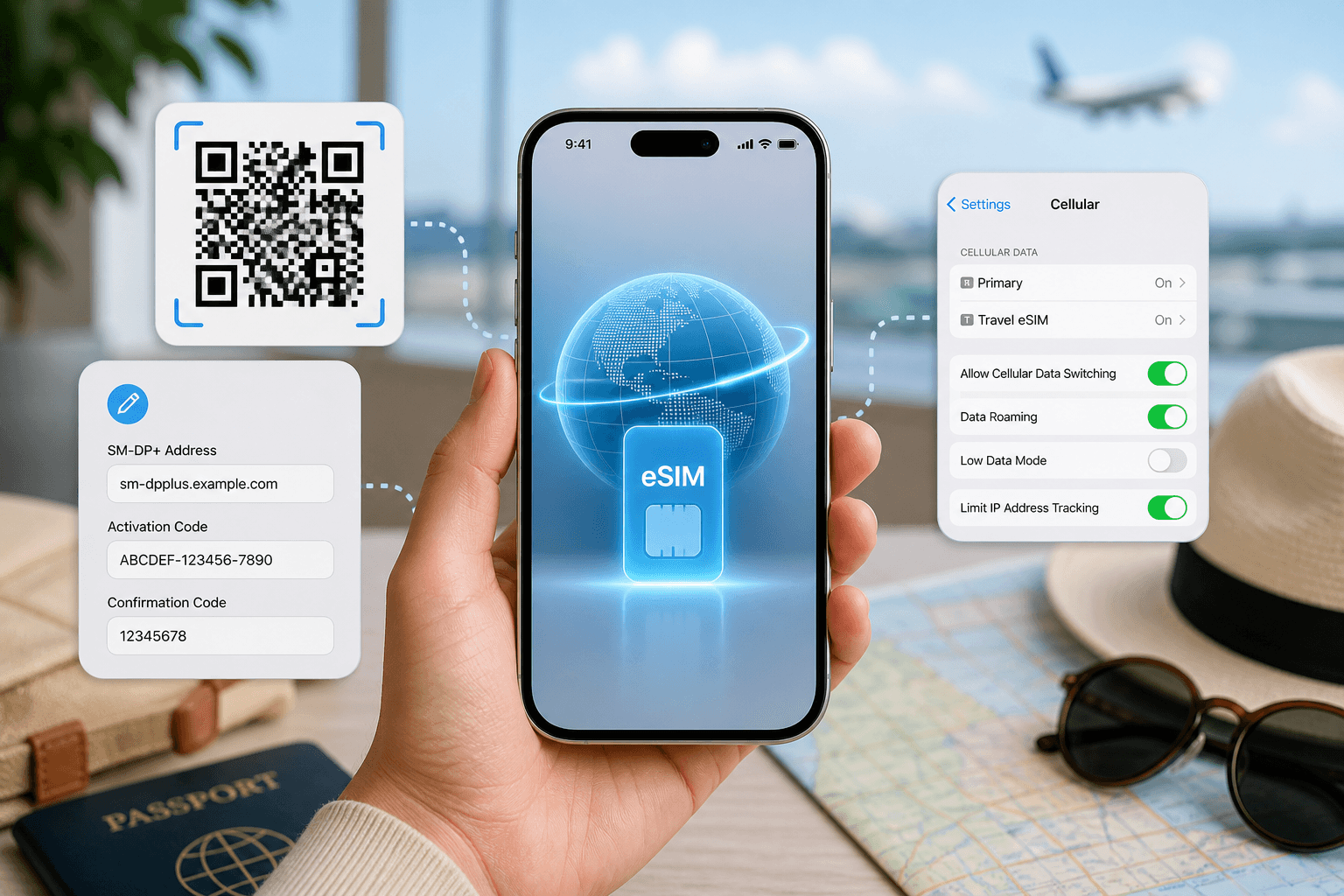
Airalo requires an account. BeeSim can be used through the website and the BeeSim app, with installation by QR code or manual SM-DP+ entry. That gives you two practical install routes: scan the QR code if you have another screen available, or enter the SM-DP+ details manually if you are setting up from the same phone.
BeeSim validity starts at the first connection in the destination. That means you can install before leaving home and then connect after arrival. The useful habit is to install the eSIM while you still have a stable connection, then keep the travel line off for mobile data until you land.
For iPhone, the usual setup path is Settings > Cellular > Add eSIM. After landing, go to Settings > Cellular, choose the travel eSIM for Cellular Data, and turn on Data Roaming for that line.
For Samsung, use Settings > Connections > SIM manager > Add eSIM. After arrival, set Mobile data to the travel eSIM, then go to Settings > Connections > Mobile networks and turn on Data roaming.
For Pixel, use Settings > Network & internet > SIMs > Add SIM. After arrival, select the travel eSIM for mobile data and turn on roaming for that SIM.
For Xiaomi, use Settings > SIM cards & mobile networks > Add eSIM where available. After arrival, set the travel eSIM as the default for mobile data and enable data roaming for that line.
Menu names can vary by phone model and software language. If your phone uses Mobile Service instead of Cellular, follow the same idea: add the eSIM, assign it to mobile data, and enable roaming for the travel line only.
How should you think about refunds?
Airalo’s stated refund rule here is within 14 days if the eSIM was not activated, with refund to the card or as Airmoney. That is useful if your plans change before activation, but it does not mean every used eSIM is refundable.
For BeeSim refund and payment questions, use the BeeSim FAQ rather than relying on a general assumption. If your purchase issue is tied to a specific order, contact support by email from the site and include the destination, plan and order details.
Before buying either brand, treat refund rules as a pre-purchase check, not a fallback plan. If your phone is locked, not eSIM-compatible, or you bought the wrong region, refund eligibility can become the important detail.
What can go wrong, and what should you do first?
Most eSIM problems are not brand-versus-brand problems. They are setup, plan choice or phone-setting problems. Work through these before buying a second plan.
The eSIM will not install.
- Check that the phone supports eSIM and is not locked to another carrier.
- Use a stable Wi-Fi connection during installation.
- If the QR code cannot be scanned, use the manual SM-DP+ entry option where provided.
- Do not delete the eSIM repeatedly while troubleshooting; contact the provider’s support route first.
The eSIM installs but there is no data after landing.
- Set the travel eSIM as the mobile data line.
- Turn on data roaming for that eSIM line.
- Turn off mobile data switching if the phone keeps falling back to your home SIM.
- Restart the phone after changing the data line.
The plan is active but the connection feels limited.
- If you bought an Airalo unlimited plan, remember the daily full-speed allowance and the reduced speed after it.
- If you bought a fixed-data plan, check remaining data in the provider account or app.
- Pause cloud backups, app updates and video auto-play while on mobile data.
You need more data during the trip.
- On Airalo, check whether a top-up is available for that eSIM.
- On BeeSim, buy another plan because existing plans cannot be topped up.
- If you are changing countries, check the destination or regional coverage before buying the next plan.
Hotspot does not work.
- Confirm the plan allows hotspot. Airalo states hotspot is available with no limit; BeeSim shows availability per plan.
- Set the eSIM as the phone’s mobile data line before turning on hotspot.
- Reconnect the laptop or second phone after the data line has changed.
You bought the wrong plan or your trip changed.
- Stop using the plan if you think refund eligibility may matter.
- Check the provider’s refund rule before activating anything else.
- For BeeSim order questions, start with the FAQ, then email support from the site if the FAQ does not answer the case.
Which travel eSIM should you pick?
Pick Airalo if you want the cheaper listed 5 GB / 30-day option for Thailand, United Arab Emirates, Spain or Europe; if you want top-ups on most eSIMs; if hotspot with no stated limit is essential; or if you are choosing an unlimited plan and accept the 3 GB-a-day full-speed rule followed by 1 Mbps.
Pick BeeSim if the destination page shows the better live price for your exact trip; if you are buying Japan or United States from the listed comparison; if you prefer installing before travel and having validity start at the first connection in the destination; or if you are comfortable buying a new plan instead of topping up when the data is used.
More destinations
All destinations →Topics
Frequently asked questions
Does BeeSim include a local phone number?
No. BeeSim plans are data-only, so they do not include a local phone number or SMS. Use app-based calling and messaging if you need to stay in touch over mobile data.
Can I buy on the website instead of using an app?
Yes. BeeSim has both the website and the BeeSim app. If you prefer not to install another app before travelling, use the website and follow the QR or manual installation details after purchase.
Are the local-currency prices on BeeSim final?
BeeSim lists and charges prices in USD. The site may show an estimate in your local currency, but the amount charged is in USD.
Should I choose Europe or separate country eSIMs?
Choose a regional plan only if its country list matches your route. If you are visiting one country, compare that country’s plan first; a regional plan can cost more if you do not need the extra coverage.
What should I check before relying on hotspot for work?
Check the exact plan page before buying, then confirm your phone can share mobile data from the eSIM line. If hotspot is critical, do not rely on a general brand assumption.
Editorial Team
Guides and articles from our editorial team.
Related articles
- BeeSim vs Nomad
BeeSim vs Nomad: which travel eSIM to pick for 7 destinations
BeeSim vs Nomad across 7 destinations: plan sizes, unlimited rules, hotspot, top-ups, refunds and what to check before buying.
Oct 18, 202611 min read
- eSIM data
Unlimited eSIM vs Data Plan: Cheaper Break-Even
Use this break-even method to compare an unlimited daily eSIM with fixed GB plans for Thailand, Turkey and the UAE before you travel.
Oct 16, 202611 min read
- iPhone eSIM
How to install a travel eSIM on iPhone: QR code, manual SM-DP+ entry, and the settings people miss
Install a travel eSIM on iPhone with QR or manual SM-DP+ entry, then set the travel line for data and turn roaming on when you arrive.
Oct 15, 20269 min read
- eSIM
What an eSIM Is and How to Use It for Travel
A simple guide to travel eSIM basics, phone checks, buying, installation, and what to switch on after landing.
Oct 14, 20263 min read3 views
- eSIM comparison
BeeSim vs Saily: 7 destinations, hotspot and refunds
Compare BeeSim and Saily across 7 destinations, with plan sizes, unlimited limits, hotspot rules, top-ups and refund checkpoints before you buy.
Oct 14, 20269 min read
- Portugal
eSIM for Portugal: which plan to buy before you land
Choose a Portugal eSIM by trip length and daily data use, from 3 GB / 30 days to 100 GB / 60 days. Install before flying.
Oct 13, 202610 min read