eSIM for Japan in 2026: plans, prices, coverage on the Shinkansen, and why data-only is enough
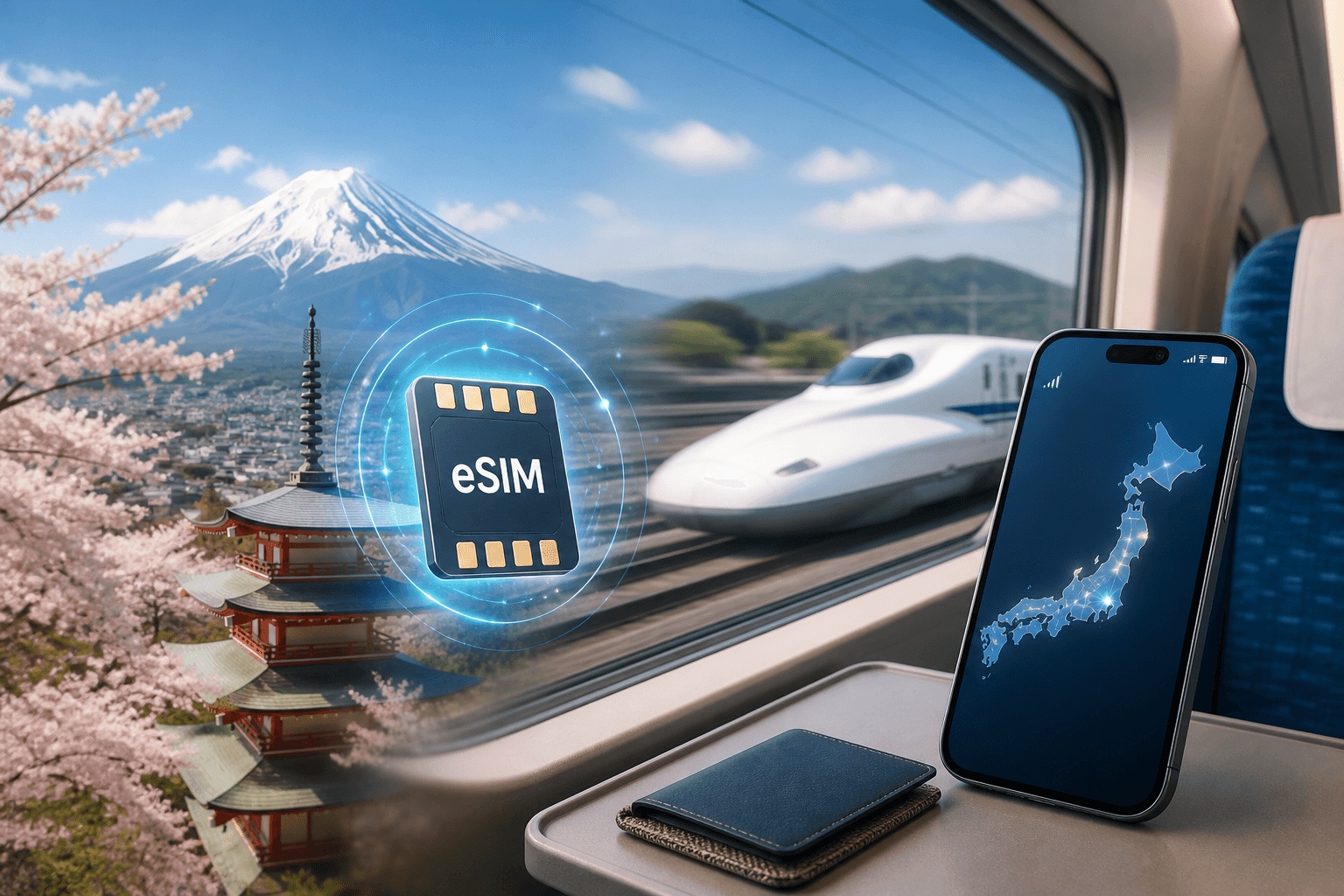
Japan is one of the easiest places to rely on a data-only eSIM in 2026: nationwide networks, strong coverage on the Shinkansen and in most subways, and messaging/calls handled through apps over data. Here’s how to pick a plan size and validity, what to expect for coverage, and how to set your phone up so it works the moment you land.
Updated Oct 6, 20267 min read1 views
In this guide
Japan is a data-first destination in 2026. If your phone supports eSIM and 4G/LTE, a data-only plan is usually all you need for maps, translation, ride-hailing, ticketing, and calls/messages through apps.
BeeSim sells data-only eSIM plans for Japan (and regional bundles) that you can buy without creating an account, then install by QR code or one tap on iPhone. The plan’s days start counting when the eSIM first connects in Japan, so you can install it at home on Wi‑Fi and land ready to go.
Which eSIM plan sizes, prices, and validities make sense for Japan in 2026
Japan eSIM plans in this catalog range from 2 GB to 100 GB, with 20, 30, 60, or 180 days of validity. There are 25 plans, priced from $8.99 to $37.91 (USD).
A few reference points from the catalog (USD):
- 2 GB / 20 days — $8.99
- 5 GB / 30 days — $9.99
- 10 GB / 30 days — $11.30
- 20 GB / 30 days — $14.17
How to choose without overthinking it:
- Short trips where you mostly use Wi‑Fi (hotel/cafés): 2–5 GB can work if you keep video streaming and app updates on Wi‑Fi.
- A typical 1–2 week itinerary with heavy maps + translation + messaging: 10 GB is a comfortable middle ground.
- If you’ll hotspot to a laptop/tablet, upload lots of photos, or stream video on trains: look at 20 GB or higher.
- Long stays: pick a longer validity (60 or 180 days) so you’re not watching the calendar.
Two practical constraints to plan around:
These plans are data-only. Your calls and texts happen through apps (WhatsApp, Telegram, FaceTime, etc.) over mobile data.
No top-ups. If you run out of data, you install a new plan as a second eSIM (your phone can usually store multiple eSIMs, but only certain phones can have two active at once).
You can see the current Japan options on the destination page: Japan eSIM.
How coverage works in Japan (Docomo, au, SoftBank, Rakuten) and what to expect on the Shinkansen
Japan’s mobile networks include NTT Docomo, KDDI au, SoftBank, and Rakuten Mobile. Coverage is near total in day-to-day travel areas, including the Shinkansen and most of the subway.
What that means in practice:
On the Shinkansen: You can generally expect mobile data to work for messaging, maps, and browsing for most of the ride. Like any rail corridor, you can still hit brief weak spots in tunnels or between coverage cells; downloads might stall and video calls can drop. If you need something critical (a QR code ticket, a hotel address, a confirmation email), save it offline before boarding.
In subways: “Most of the subway” is covered, but underground environments vary by line and station depth. If you lose signal briefly, it typically returns when you reach the next covered platform area.
5G vs 4G/LTE: 5G is concentrated in cities. Outside dense urban areas, you’ll often be on 4G/LTE—and that’s fine for navigation and everyday use.
Rural and mountainous areas: Coverage is generally strong where people live and travel, but remote valleys and trailheads can still be patchy. Before a day trip, download offline maps in your mapping app and keep key info (lodging address, transit plan) available offline.
A device requirement matters more in Japan than some other destinations: there is no 2G, and 3G is being retired, so your phone needs 4G/LTE to be usable.
Why data-only is usually enough in Japan (and how to keep your own number)
For visitors, data-only is often the simplest approach because local voice SIMs can be hard to get without residency. With data, you can cover almost everything travelers use a phone for:
- Messaging and calls through apps (WhatsApp, Telegram, FaceTime, LINE, Google Meet, etc.)
- Booking confirmations and authentication (where app-based login works)
- Maps, translation, ride-hailing, and travel planning
How you keep your normal number:
- You leave your physical SIM (or primary eSIM) active for your phone number.
- You set the Japan eSIM as the line for mobile data.
That way:
- Friends/family can still reach you on your usual number (if your home carrier allows it abroad).
- You can turn off roaming for your home line to avoid surprise charges, while still using the Japan eSIM for data.
If you don’t want your home carrier involved at all, you can also disable your home line entirely and rely on app calling/messaging over the Japan eSIM.
How to set up a Japan eSIM before you fly (so it starts working when you land)
The clean setup is: install at home on Wi‑Fi, then let it connect for the first time in Japan so the validity starts there.
With BeeSim, you can buy without an account (pay by card, Apple Pay, or Google Pay). Installation is via QR code or one tap on iPhone from the order link.
Step 1: Check your phone supports eSIM and 4G/LTE
- Confirm your model is eSIM-capable, and that it supports 4G/LTE.
- Use the compatibility list here: Compatible phones.
Step 2: Install the eSIM on Wi‑Fi (before departure)
- Open the order link and follow the install prompt (or scan the QR code).
- Name the new line something obvious like “Japan eSIM”.
Don’t worry about the clock starting early: the plan’s days begin when the eSIM first connects in Japan.
Step 3: Set your phone so the eSIM is used for data
On iPhone (wording varies by iOS version):
- Settings → Cellular
- Under Cellular Plans, tap your “Japan eSIM”
- Turn on Turn On This Line
- Go back and tap Cellular Data, choose “Japan eSIM”
- In your home line settings, turn Data Roaming off (and consider turning the whole line off if you want zero chance of roaming)
On Android (menus vary by brand):
- Settings → Network & internet → SIMs (or Connections → SIM manager)
- Enable the Japan eSIM
- Set Mobile data to the Japan eSIM
- Turn off roaming on the home SIM if you don’t plan to use it
Step 4: When you land, turn on the eSIM and roaming for that eSIM (if required)
Most travel eSIMs need roaming enabled on the eSIM line to attach to the partner network.
- iPhone: Settings → Cellular → Japan eSIM → Data Roaming → On
- Android: Settings → Network & internet → SIMs → Japan eSIM → Roaming → On
If you don’t get data after a minute or two:
- Toggle Airplane mode on/off.
- Confirm Cellular Data is set to the Japan eSIM.
- Confirm the Japan eSIM line is enabled.
- Restart the phone.
Hotspot, multiple devices, and running out of data
Can you share data to a laptop or travel router?
Yes. Hotspot works. If you plan to tether a lot, choose a larger data pack and keep an eye on background sync (cloud photo backups can burn through data quickly).
What happens when you run out of data?
These plans can’t be topped up. When your data is gone, you buy another plan and install it as a second eSIM.
To avoid confusion later:
- Keep your eSIMs clearly labeled (e.g., “Japan 10GB” and “Japan 20GB”).
- If your phone supports only one active eSIM at a time, you’ll need to switch which one is active for data.
When a regional bundle is better than a Japan-only plan
If Japan is one stop on a multi-country trip, a regional plan can be simpler than installing a new eSIM in each country.
This catalog includes:
- Japan & South Korea bundle
- Asia (12 areas) bundle
The trade-off is usually decision clarity rather than performance: you manage one eSIM across borders, but you’ll want to check that the bundle covers every country on your route. If your itinerary is only Japan, a Japan-only plan is the straightforward pick. If you’re adding Seoul or hopping across Asia, the regional bundles can reduce mid-trip setup.
You can start from the Japan page and choose a regional option if it fits: Japan eSIM.
Refunds and what to check before you buy
BeeSim refunds:
- Any eSIM that has not been installed
- An installed eSIM only if it never worked
Before purchase, do two quick checks:
- Your phone is eSIM compatible: Compatible phones
- Your trip length matches the plan validity (20/30/60/180 days), remembering that days start when it first connects in Japan.
Prices are charged in US dollars; the site may display them in your local currency for reference.
More destinations
All destinations →Topics
Frequently asked questions
Will an eSIM work on the Shinkansen in 2026?
Coverage is near total in Japan, including the Shinkansen. Expect occasional brief drops in tunnels or between cells, so keep tickets/addresses available offline.
Do I need 5G for Japan travel?
No. 5G is concentrated in cities, and 4G/LTE is enough for maps, messaging, and most travel tasks.
Can I keep my home number while using a Japan eSIM for data?
Yes. Leave your home SIM active for your number and set the Japan eSIM as the mobile data line; calls and messages can run through apps over data.
Can I share the eSIM data using hotspot?
Yes. Hotspot works, so you can tether a laptop or tablet—just plan your data size accordingly.
Can I top up the plan if I run out of data?
No. These plans can’t be topped up; when data runs out, you install a new plan as a second eSIM.
Can I get a refund if my plans change?
Refunds apply to any eSIM that has not been installed; an installed eSIM is refundable only if it never worked.
Editorial Team
Guides and articles from our editorial team.
Related articles
- United Kingdom
eSIM for United Kingdom: Which UK Data Plan to Buy
Choose a UK eSIM by trip length and daily data use, then check the live price on the destination page before you buy.
Oct 17, 202611 min read5 views
- iPhone eSIM
How to install a travel eSIM on iPhone: QR code, manual SM-DP+ entry, and the settings people miss
Install a travel eSIM on iPhone with QR or manual SM-DP+ entry, then set the travel line for data and turn roaming on when you arrive.
Oct 15, 20269 min read
- eSIM
What an eSIM Is and How to Use It for Travel
A simple guide to travel eSIM basics, phone checks, buying, installation, and what to switch on after landing.
Oct 14, 20263 min read3 views
- Portugal
eSIM for Portugal: which plan to buy before you land
Choose a Portugal eSIM by trip length and daily data use, from 3 GB / 30 days to 100 GB / 60 days. Install before flying.
Oct 13, 202610 min read
- travel data
How Much Mobile Data Do You Need Abroad for 7, 14 and 30 Days?
Use this travel data calculator to estimate 7, 14 or 30 days abroad by traveller type, then compare the result with eSIM plan sizes.
Oct 4, 20268 min read6 views
- eSIM comparison
BeeSim vs Airalo: prices, unlimited rules, hotspot and refunds
BeeSim vs Airalo compared for 7 destinations: 5 GB prices, unlimited rules, hotspot, top-ups and refund handling before you buy.
Oct 2, 202610 min read5 views