eSIM for the USA in 2026: plans, prices, and where coverage fails on a road trip
A practical guide to picking a USA travel eSIM in 2026: what plan sizes and prices look like, how USA networks affect coverage, and where you should expect signal gaps on a road trip—plus setup steps that avoid the most common pitfalls.
Updated Oct 6, 20268 min read1 views
In this guide
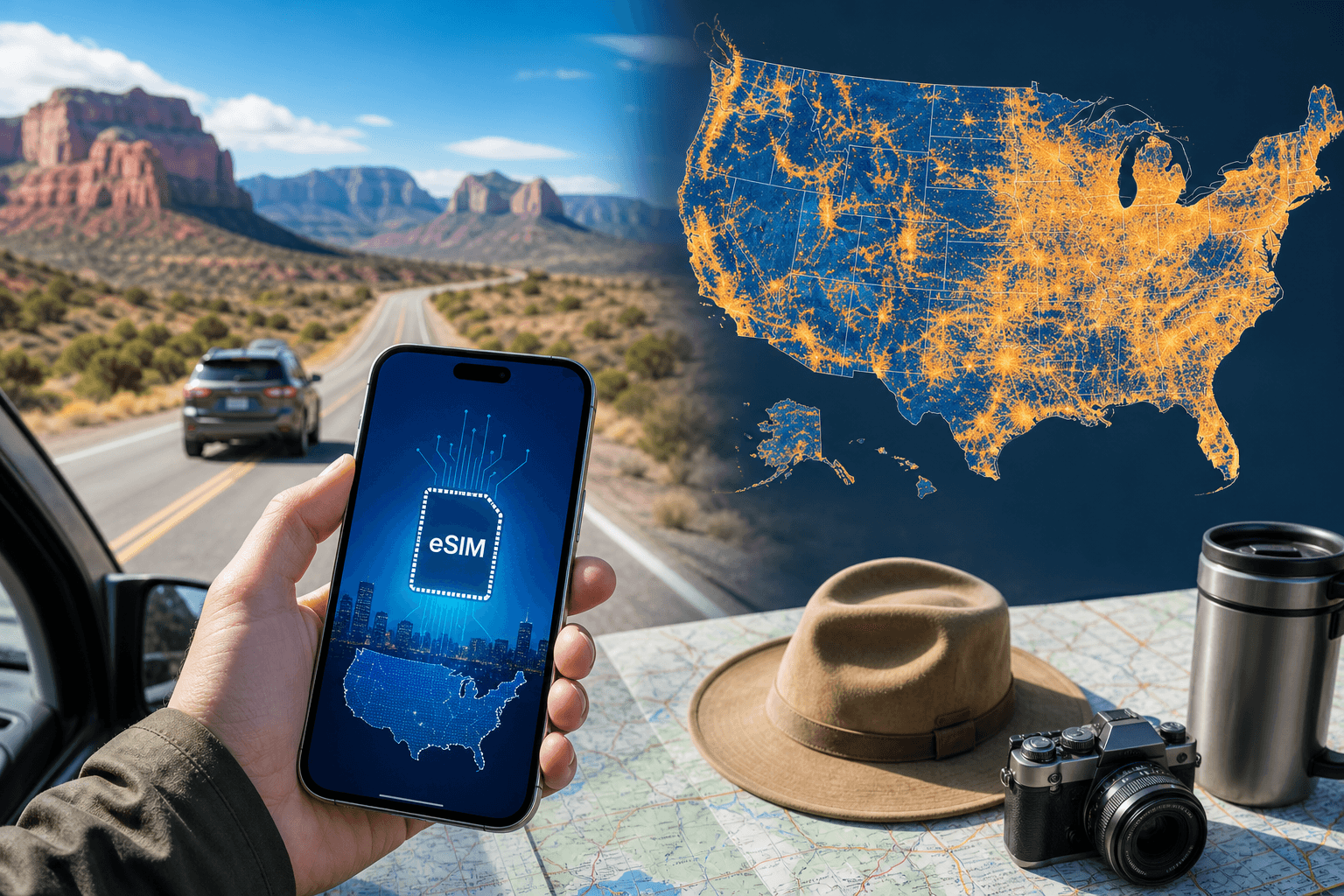
You’ll have strong 4G/5G in most US cities and along major interstates, but you should still plan for long dead zones in national parks, deserts, and mountain regions—no matter which network your travel eSIM uses. In 2026, USA travel eSIM plans commonly range from small, cheap data packs to high‑data options for navigation, bookings, and hotspot use.
What USA travel eSIM plans and prices look like in 2026
For the USA (as of 2026‑09‑30), the catalog includes 33 plans priced from $8.99 to $42.09, with data sizes from 3 GB to 100 GB. Validity options include 20, 30, 60, 90, or 180 days.
If you want a concrete starting point, these 30‑day options are available:
- 3 GB / 30 days — $8.99
- 5 GB / 30 days — $9.70
- 10 GB / 30 days — $11.46
- 20 GB / 30 days — $14.44
How to choose a size for a road trip (practical, not theoretical):
- 3–5 GB: works if you mostly use maps for short drives, light browsing, messaging, and you’re on Wi‑Fi most nights. Keep video off cellular.
- 10–20 GB: a safer baseline for multi‑stop road trips if you’ll be booking on the go (parking, tolls, park entry times, hotel check‑ins), using ride‑hailing in cities, and tethering a laptop occasionally.
- Higher data (up to 100 GB in this catalog): makes sense if you’ll hotspot often, upload lots of photos/video, or you’re sharing data with a travel companion.
Two plan features matter more on a road trip than people expect:
Validity length: If your trip spans several weeks (or you’re doing a long loop), pick a plan whose validity covers the whole trip so you don’t have to swap eSIMs mid‑route.
Hotspot support: If you plan to work from the car, share data to another phone, or connect a tablet, confirm hotspot is allowed. (BeeSim plans support hotspot.)
If you want to browse USA options directly, BeeSim’s destination page is here: USA eSIM.
Which US networks your eSIM can use (and why that affects road-trip coverage)
The USA has three major networks: AT&T, T‑Mobile, and Verizon. Travel eSIMs typically operate on one or two of these networks rather than all three.
What that means in practice:
- In cities and suburbs, the difference between networks is often minor for basic needs (maps, messages, bookings). Congestion can still happen in dense downtown areas or around big events.
- On interstates and major highways, you’ll usually have long stretches of usable coverage. You can still hit valleys and remote segments where signal drops.
- In remote areas, the “best” network depends on the exact corridor. You can’t assume one network will cover all parks and backroads. Every network has gaps.
If your route includes remote regions, the most reliable strategy is not “find the perfect network”—it’s to plan for no service:
- Download offline maps for the states/areas you’ll drive through.
- Save reservation confirmations (screenshots or PDFs) before you leave Wi‑Fi.
- Keep key addresses written down (hotel, campsite, trailhead, car rental return).
Where coverage fails on a US road trip (and how to plan around it)
You should expect long gaps in national parks, deserts, and mountains on every network. Even when you see bars, data can be too slow to load a map tile or a parking payment screen.
Here’s how those failures usually show up—and what to do before you’re stuck:
National parks: signal at the edges, dead zones inside
Common pattern: you’ll get data near park entrances, visitor centers, and nearby towns, then lose it deeper in.
Do this before you enter:
- Open your maps app on Wi‑Fi and download offline maps for the region.
- Pre-load the route (start navigation while you still have service so the first chunk of tiles is cached).
- Save day-use reservations, timed entry QR codes, campsite info to your phone storage.
Deserts and long highway stretches: hours of “no data” is normal
Common pattern: you can drive a long distance with nothing but intermittent signal.
Do this before the long segment:
- Cache the route and stops (fuel, food, rest areas).
- Don’t rely on streaming music or cloud-only playlists; download what you need.
- If you’re meeting someone, agree on a check-in plan that doesn’t assume constant data.
Mountains and canyons: signal drops even near towns
Common pattern: you’ll have coverage in town, then lose it on the mountain road, in valleys, or behind ridgelines.
Do this:
- If you must do a time-sensitive task (parking session extension, late check-in message), do it before you start the climb.
- Keep your phone in a mode that preserves battery (low power mode) if you’ll be searching for signal for long periods.
Small towns: coverage exists, but congestion or backhaul limits can feel like “no internet”
Common pattern: you have bars, but pages stall—especially around popular attractions.
Do this:
- Retry on 4G/LTE if 5G is unstable (see the troubleshooting section below).
- Use lightweight apps and avoid large uploads until you’re back on solid Wi‑Fi.
Why data matters more in the USA than you think (tolls, parking, bookings)
On a US road trip, you’ll repeatedly run into systems that assume your phone has data:
- Tolls: many routes use electronic tolling; you may need to manage an account, check charges, or follow signage that redirects you to a website.
- Parking: app-based parking is common in cities and tourist towns, and you may need data to start or extend a session.
- Ride-hailing: pickups, changes, and support all depend on data.
- Reservations: timed entry, digital confirmations, and last-minute changes are often handled online.
A travel eSIM is mainly about keeping those essentials working when you’re away from hotel Wi‑Fi. BeeSim sells data-only eSIM plans for 200+ destinations; calls and SMS continue through apps like WhatsApp, Telegram, or FaceTime over that data, while your own SIM can stay in the phone for its number.
Check your phone’s compatibility (and avoid band surprises)
US 4G/5G bands differ from Europe and Asia, but phones from the last few years generally handle them. The practical step is still: confirm your exact model supports eSIM.
- Check your device against the list here: Compatible devices.
If you’re bringing a phone purchased outside the USA and it’s older, be conservative:
- Expect weaker rural performance.
- Don’t assume 5G will always be available.
How to install a USA eSIM before you fly (so it works when you land)
The cleanest setup is: install ahead of time on Wi‑Fi, then switch it on when you arrive.
With BeeSim, you don’t need an account: you pay by card, Apple Pay, or Google Pay, then install by QR code or in one tap on iPhone from the order link.
Steps (works for most phones with slightly different menus):
- Buy the plan you want for the USA: USA eSIM.
- While you’re on reliable Wi‑Fi, install the eSIM from the order link (QR code or one tap on iPhone).
- In your phone settings, label the lines clearly (for example: “Primary” and “USA eSIM”).
- Leave the eSIM turned on, but keep cellular data set to your usual line until you land.
Important timing detail: on BeeSim, the plan’s days start counting when the eSIM first connects at the destination, so you can install days before your trip without burning validity while you’re still at home on Wi‑Fi.
The settings that most often break data on arrival (and how to fix them)
Most “my eSIM doesn’t work” cases on landing come down to one setting.
How to set the eSIM as the data line
You can have multiple SIMs active, but only one line provides cellular data.
- Go to your phone’s Cellular / Mobile Data settings.
- Select the USA eSIM as the line for cellular data.
- Turn Data Roaming on for the eSIM line (travel eSIMs typically require it).
If you want to keep your home number reachable for iMessage/WhatsApp registration or bank texts, keep your primary SIM active for calls/SMS (if your carrier allows it) but do not let it become the data line unless you intend to roam.
If 5G shows but nothing loads
Try this sequence:
- Toggle Airplane Mode on for 10 seconds, then off.
- In Cellular settings, temporarily set Voice & Data / Preferred network to LTE/4G (names vary by phone).
- Restart the phone.
If you’re in a known dead zone
Don’t burn time troubleshooting in a national park valley. Assume it’s coverage.
- Drive toward a main road or higher ground.
- Use offline maps.
- Wait until you reach a town.
Using hotspot on the road (and how not to drain your plan)
Hotspot is useful for a passenger’s phone, a tablet, or a laptop. BeeSim plans support hotspot.
Two ways to make hotspot manageable:
- On the device using hotspot, turn off background cloud sync and large updates.
- If you’re navigating on the phone that provides hotspot, keep the maps app open so it caches tiles when data is available.
If you run out of data, note a practical limitation: BeeSim plans can’t be topped up right now. When data runs out, you install a new plan as a second eSIM.
When a regional bundle makes sense (USA & Canada, North America)
If your road trip crosses borders, a regional eSIM can be simpler than switching plans mid-trip.
The catalog includes regional bundles:
- USA & Canada
- North America (3 areas)
Pick a regional option if you’ll be moving between countries and you don’t want to handle multiple installs and line switching. If you’re staying only in the USA, a USA-only plan is usually easier to reason about for validity and data use.
Refund rules to know before you buy
BeeSim refunds:
- Any eSIM that has not been installed.
- An installed eSIM only if it never worked.
So if you’re unsure, don’t install until you’re confident you’re keeping it—yet remember you can still install ahead of time without starting validity, as long as it doesn’t connect at the destination.
More destinations
All destinations →Topics
Frequently asked questions
Does a USA eSIM give me a US phone number for calls and texts?
BeeSim plans are data-only. Calls and SMS go through apps like WhatsApp, Telegram, or FaceTime over data, while your own SIM can stay in the phone for its number.
When does the plan start counting days?
On BeeSim, validity starts when the eSIM first connects at the destination, so you can install it before you travel while on Wi‑Fi.
Will a travel eSIM work in national parks?
Coverage is often limited inside national parks, deserts, and mountains on every network. Download offline maps and save reservations before you enter.
Can I use hotspot with a USA eSIM?
Yes. BeeSim plans support hotspot; manage background updates on connected devices to avoid unexpected data use.
Can I top up if I run out of data?
BeeSim plans can’t be topped up currently. If you run out, you buy a new plan and install it as a second eSIM.
How do I check if my phone supports eSIM?
Use the compatible device list at /devices to confirm your exact model supports eSIM before you buy.
Editorial Team
Guides and articles from our editorial team.
Related articles
- United Kingdom
eSIM for United Kingdom: Which UK Data Plan to Buy
Choose a UK eSIM by trip length and daily data use, then check the live price on the destination page before you buy.
Oct 17, 202611 min read5 views
- iPhone eSIM
How to install a travel eSIM on iPhone: QR code, manual SM-DP+ entry, and the settings people miss
Install a travel eSIM on iPhone with QR or manual SM-DP+ entry, then set the travel line for data and turn roaming on when you arrive.
Oct 15, 20269 min read
- eSIM
What an eSIM Is and How to Use It for Travel
A simple guide to travel eSIM basics, phone checks, buying, installation, and what to switch on after landing.
Oct 14, 20263 min read3 views
- Portugal
eSIM for Portugal: which plan to buy before you land
Choose a Portugal eSIM by trip length and daily data use, from 3 GB / 30 days to 100 GB / 60 days. Install before flying.
Oct 13, 202610 min read
- travel data
How Much Mobile Data Do You Need Abroad for 7, 14 and 30 Days?
Use this travel data calculator to estimate 7, 14 or 30 days abroad by traveller type, then compare the result with eSIM plan sizes.
Oct 4, 20268 min read6 views
- eSIM comparison
BeeSim vs Airalo: prices, unlimited rules, hotspot and refunds
BeeSim vs Airalo compared for 7 destinations: 5 GB prices, unlimited rules, hotspot, top-ups and refund handling before you buy.
Oct 2, 202610 min read5 views